
It is Sunday evening, you need a worksheet for Monday, and the one you want does not exist. That is the moment AI worksheet generators were made for. Give them a topic, a grade level and a few instructions, and you get a draft in under a minute.
But there are dozens of these tools now, and most of them promise the same thing. This guide focuses on six that have a free plan, explains what each one is actually best at, and ends with a checklist to run before anything reaches your students.
Quick answer: start with MagicSchool for an all-in-one toolkit, Brisk if you work in Google Docs, Diffit for leveled readings and Canva for Education for polished printables.
- All 6 tools below have a free plan or free teacher access.
- AI drafts fast but can be wrong: always check facts and the answer key.
- Give the tool your own source text for accurate questions.
- Never paste student names or data.
What an AI worksheet generator can (and can’t) do
A good generator can turn a topic, a text or a video into questions, vocabulary activities, graphic organizers or a short quiz, at the level you choose. It is excellent at first drafts and at producing variations, for example the same activity for three reading levels.
What it cannot do is know your students, your curriculum map or what you covered last week. And like any AI tool, it can state wrong facts with confidence (see our guide to AI hallucinations). Think of it as a fast teaching assistant whose work you always review.
| Tool | Free plan | Best for |
|---|---|---|
| MagicSchool | Yes | all-in-one teacher toolkit |
| Brisk Teaching | Yes | working inside Google Docs |
| Diffit | Basic | leveled reading passages |
| Canva for Education | Free, K-12 | printable design |
| Chalkie | Limited | fast printables |
| Gemini Notebook | Yes | quizzes from your own files |
Free plans change often: check each pricing page before you commit.
6 free AI worksheet generators for teachers
1. MagicSchool: the all-in-one toolkit
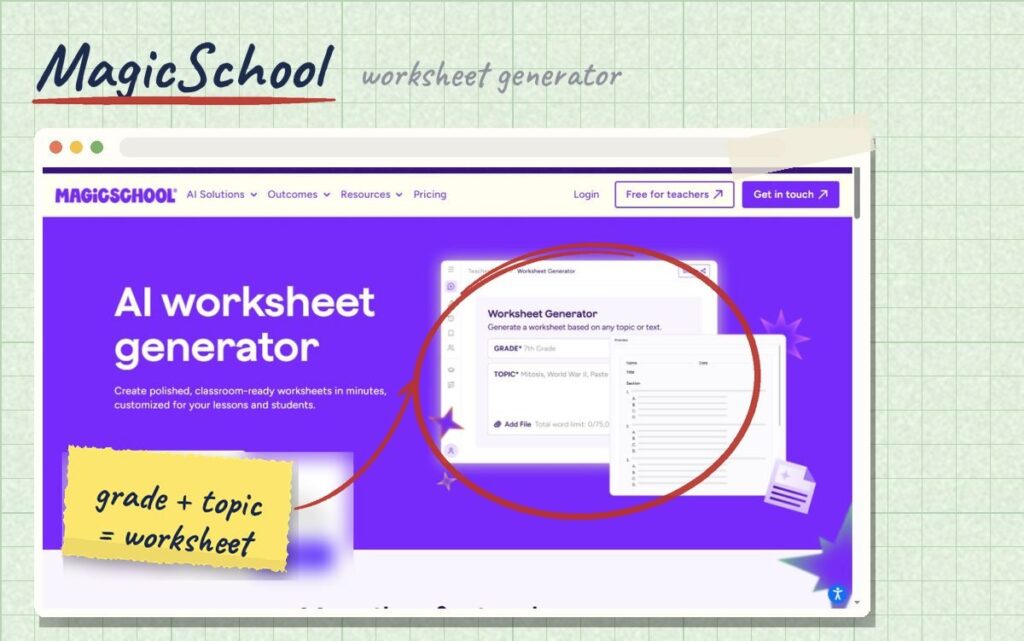
MagicSchool bundles dozens of teacher tools in one place, including a dedicated worksheet generator, plus tools for rubrics, quizzes, IEP drafts and parent emails. The free plan gives access to most core tools after you sign up with an email. It is a good default if you want one platform to learn instead of five.
Best for: teachers who want one dashboard for most planning tasks. Visit MagicSchool
2. Brisk Teaching: AI inside Google Docs
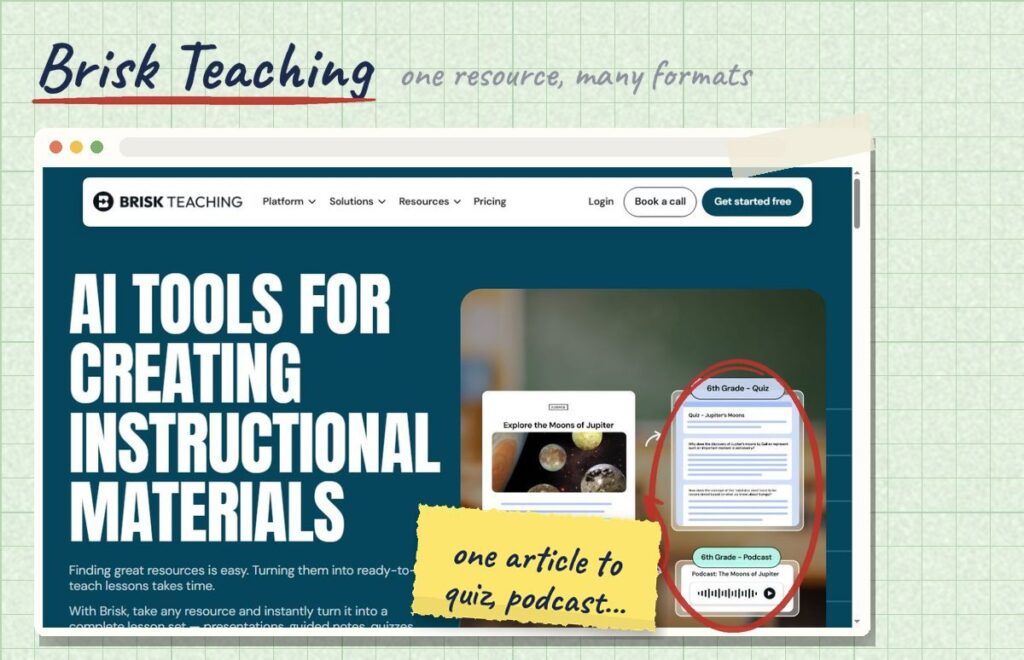
Brisk is a Chrome extension that works inside the tools you already use: Google Docs, Slides, Classroom, YouTube and web articles. You can create, level or shorten a worksheet without opening another site. The core product is free for teachers. Note that custom data privacy agreements are listed as a paid feature, which matters if your district requires one.
Best for: teachers who live in Google Workspace. Visit Brisk Teaching
3. Diffit: one text, several reading levels
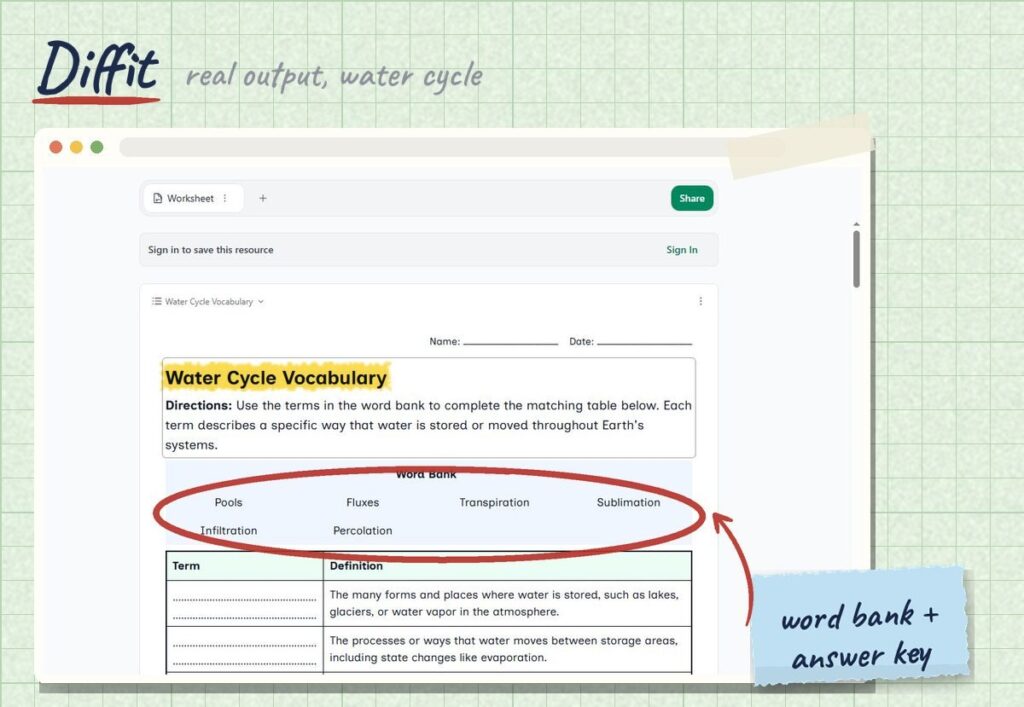
Diffit does one job very well: you give it an article link, a PDF, a YouTube video or a topic, and it returns a version at the reading level you choose, with vocabulary, questions and graphic organizers. It is the fastest way to differentiate a reading for a mixed-ability class. The basic plan is free; features such as exporting to Google Docs and standards alignment are on the paid plan, listed at $14.99 a month or $149.99 a year in September 2026 (source).
Best for: leveled reading passages and ELL support. Visit Diffit
4. Canva for Education: printables that look professional
Canva is not an AI worksheet generator first, but its education version is free for verified K-12 teachers and includes AI writing features and a huge library of templates. Use another tool to draft the questions, then build a clean, attractive page in Canva.
Best for: worksheets and posters that need to look good on paper. Visit Canva for Education
5. Chalkie: fast printable pages
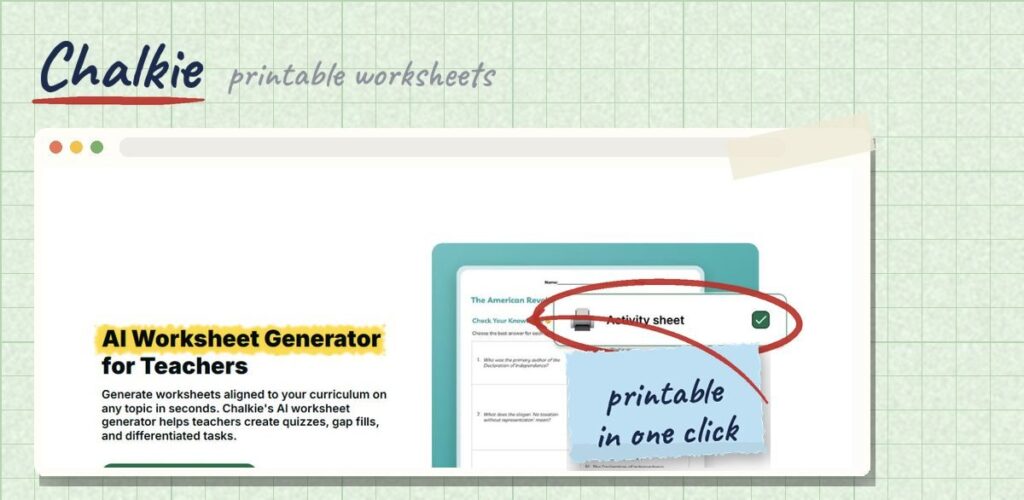
Chalkie is built to go from a topic to a printable worksheet quickly. Its free plan is limited (around ten AI edits a week in September 2026), so it works best as an occasional tool rather than your daily driver.
Best for: a quick printable when you are short on time. Visit Chalkie
6. Gemini Notebook (formerly NotebookLM): quizzes from your own material
Google’s free AI notebook works from the files you upload: your readings, slides or notes. Ask it for questions, a vocabulary list or a quiz based only on those sources, and every answer comes with citations you can check. That keeps the output close to what you actually taught. Our NotebookLM guide walks through the steps.
Best for: questions grounded in a specific text or unit.
Which one should you start with?
If you are new to AI tools, pick just one and use it for a full week before trying another. Choose MagicSchool if you want the widest range of tools in one place, Brisk if your lessons already live in Google Docs and Slides, and Diffit if your biggest challenge is a class with very different reading levels. Switching tools every day costs more time than it saves.
How to write a prompt that gives you a usable worksheet
Whatever the tool, the quality of the worksheet depends on the quality of your request. Include these six details:
- Grade and reading level: “7th grade, reading level slightly below grade.”
- Topic and objective: “Students can explain the three stages of the water cycle.”
- Format: “8 questions: 4 multiple choice, 3 short answer, 1 diagram label.”
- Source: paste or upload the text you want questions about, rather than letting the AI pick facts.
- Extras: “Add a word bank and an answer key.”
- Constraints: “No trick questions. Keep sentences short.”
Build your worksheet prompt in 20 seconds
Before you hit print: a 5-point checklist
- Check every fact. AI can invent dates, numbers and definitions.
- Check the reading level. Read the questions as your weakest reader would.
- Check the answer key. Wrong answer keys are one of the most common AI errors.
- Match the objective. Remove questions that are off-topic, even if they look nice.
- Protect student data. Never paste student names, grades or personal details into an AI tool unless your school has approved it.
A word on privacy
Tools where only the teacher uses the AI, and no student data goes in, carry less risk. Tools where students log in and interact with the AI need more careful checking: look for a clear privacy policy, information about how student data is used, and whether your district has a data processing agreement with the company. When in doubt, ask your technology coordinator before rolling a tool out to a class.
Frequently asked questions
What is the best free AI worksheet generator?
It depends on the job. MagicSchool is the best all-rounder, Brisk is the most convenient inside Google Docs, and Diffit is the best for differentiated reading. All three have free plans.
Can AI make differentiated worksheets?
Yes. Diffit, MagicSchool and Brisk can all adapt the same content to different reading levels. Always review the simplified version to make sure the key ideas survived.
Are AI-generated worksheets accurate?
Usually close, not always correct. Check facts and the answer key every time, and use your own source text when accuracy matters.
Is it okay to sell worksheets made with AI?
Rules vary by platform and are changing. Read the terms of both the AI tool and the marketplace, and always review and substantially edit the content yourself.
The bottom line
AI worksheet generators will not replace your judgment, but they can give you back your Sunday evening. Pick one tool that fits how you already work, give it clear instructions and your own source text, and run the five-point check before printing. And if you would rather skip the drafting altogether, our research-based, classroom-ready workbooks are available in the Worksheet365 store.
Our research-based, classroom-ready workbooks are ready to print today.
Explore more time-saving tools in our Teaching Tools section.