
Free Study Tools
12 free study tools for students and teachers: final exam calculator, review-date calculator, flashcard maker, Cornell notes, rubric maker, worksheet maker and more. No sign-up.
FREE TOOLS · NO SIGN-UP · NOTHING TO INSTALL
Free study tools that actually help
Pick a tool below. It opens on its own page and works right away, on your phone or your laptop.
- 7 free tools
- No account
- Printable
- Phone-friendly
-
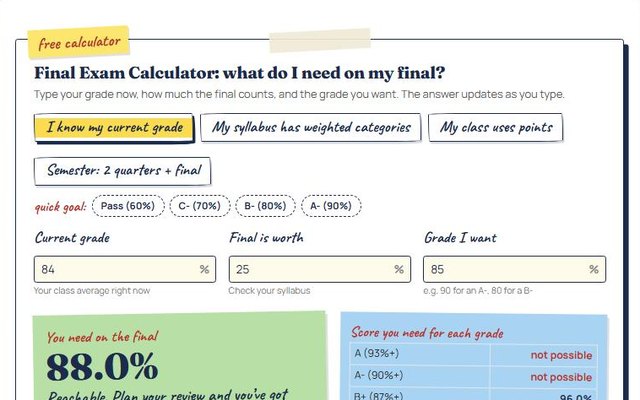
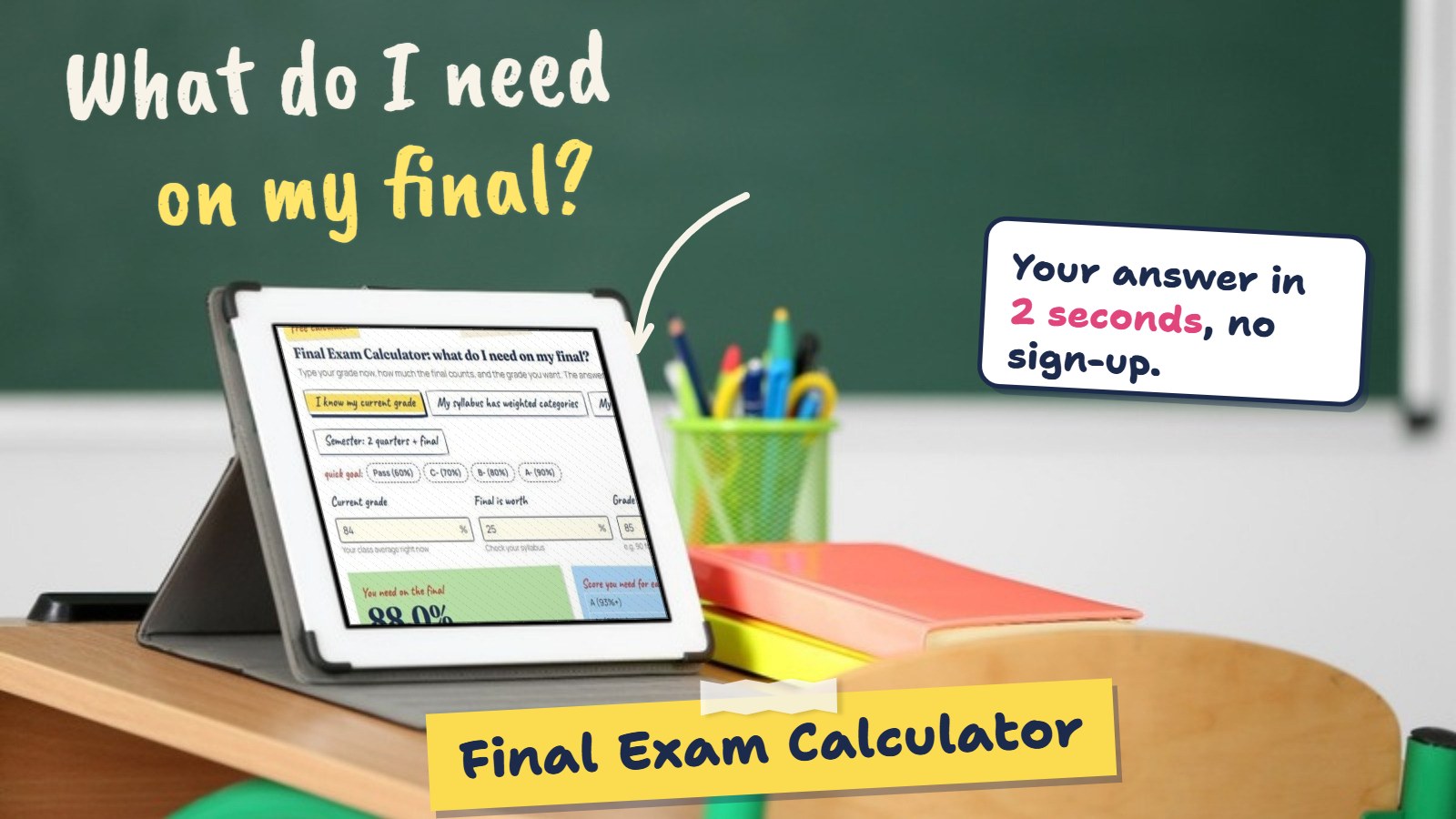 Exams & gradesFinal exam calculatorThe exact score you need on your final, plus a what-if table.Open the tool
-
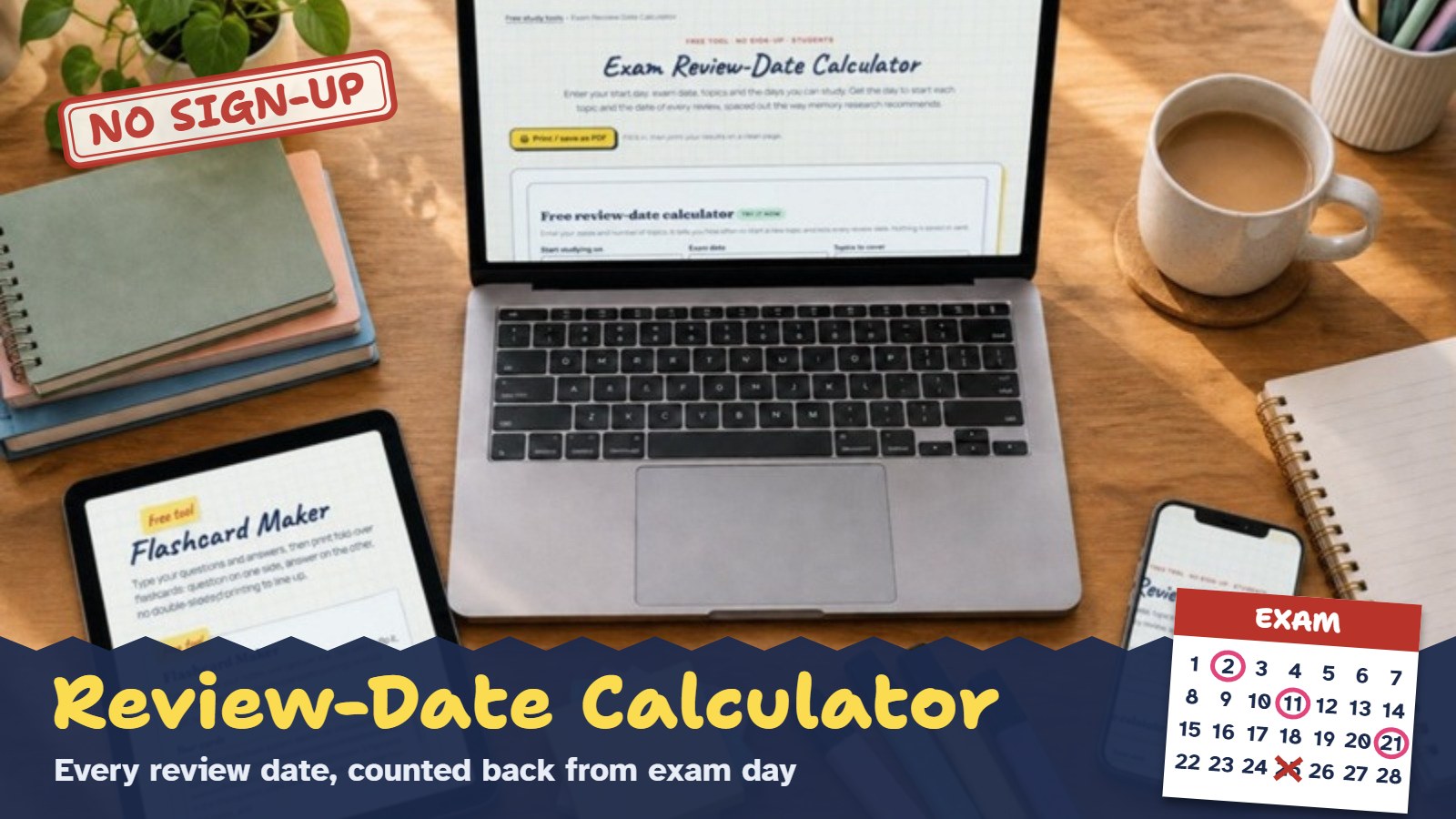 Exams & gradesReview-date calculatorEvery review date for every topic, counted back from exam day.Open the tool
-
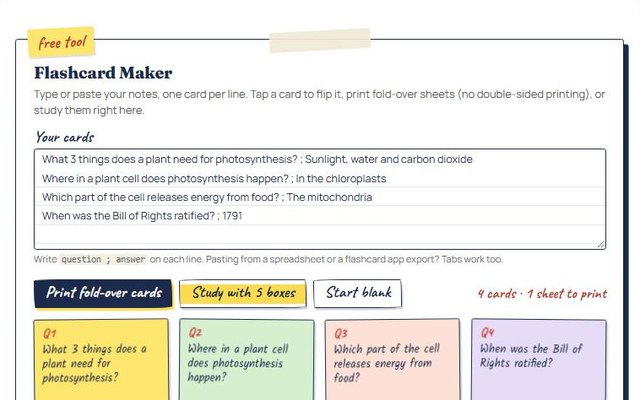
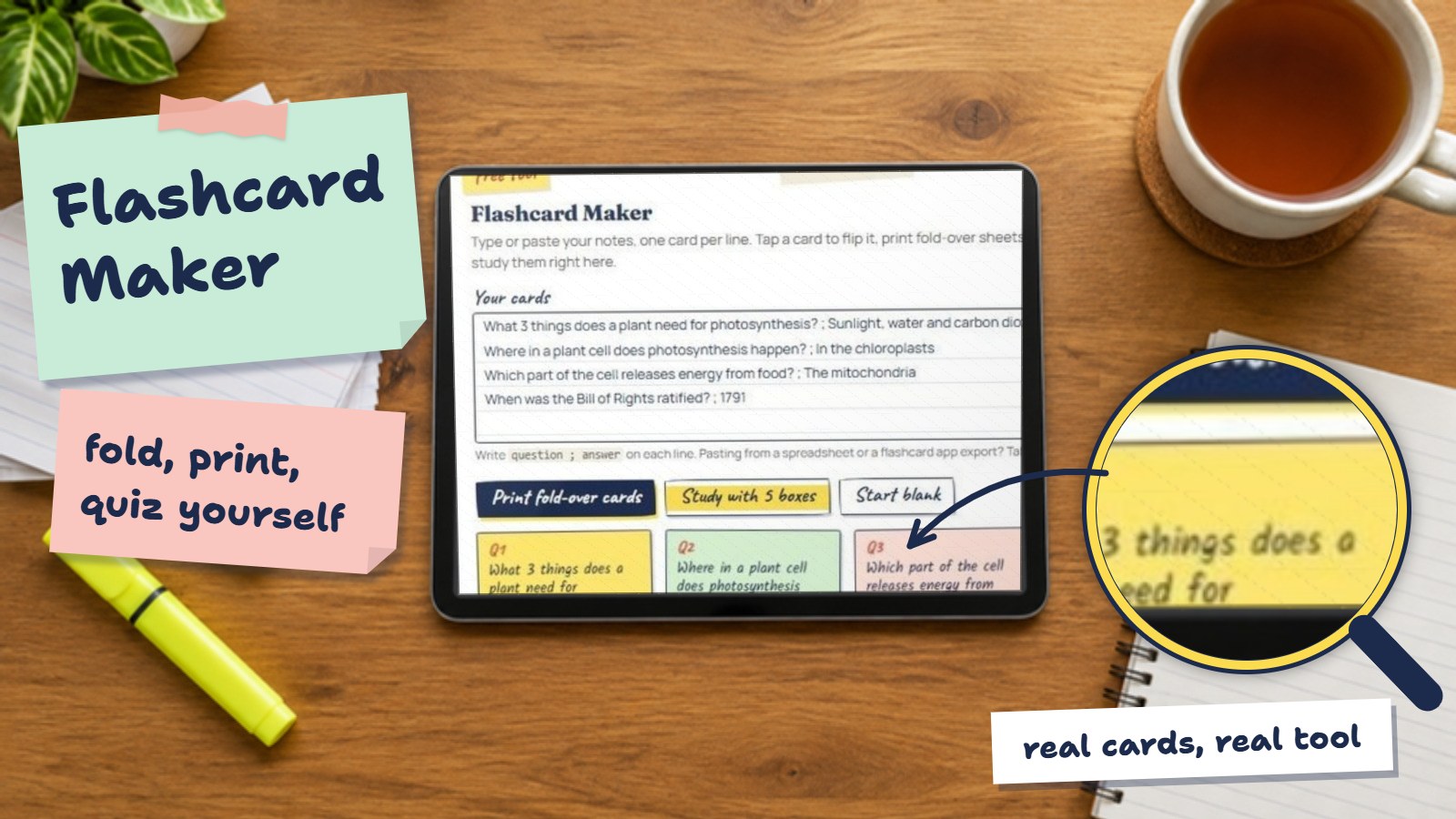 Study & memoryFlashcard makerType your terms, print fold-over flashcards in one click.Open the tool
-
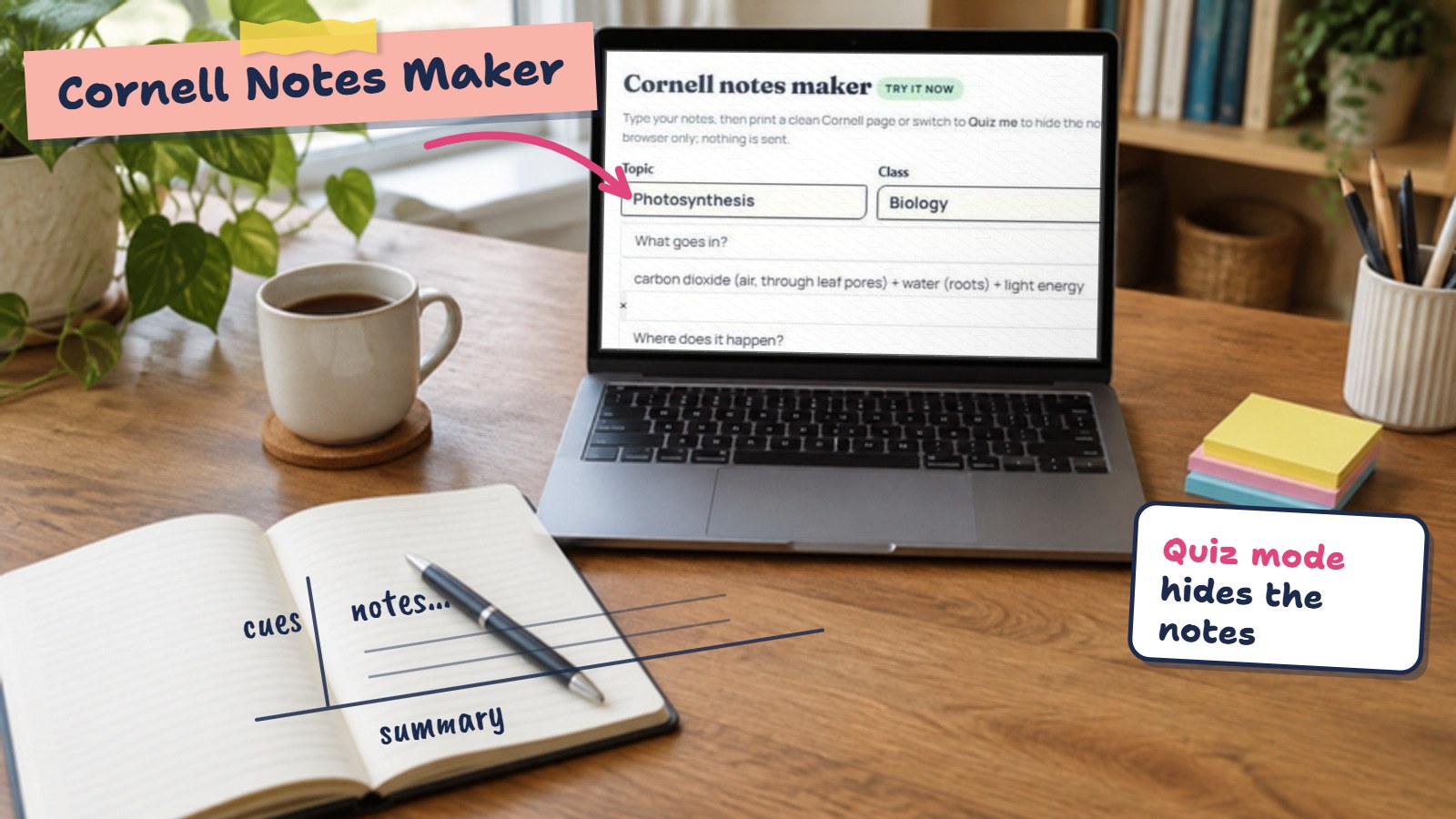 Study & memoryCornell notes makerCornell notes with cue questions that quiz you back.Open the tool
-
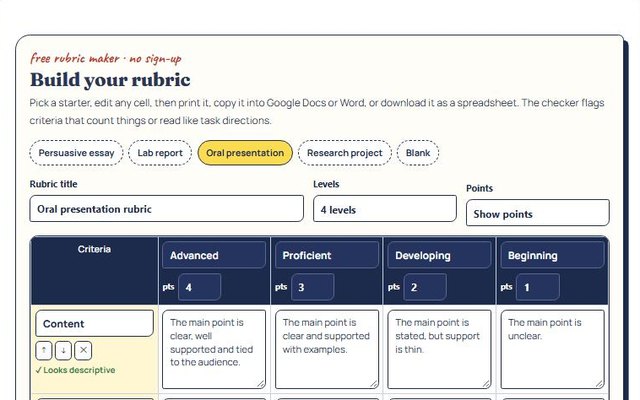
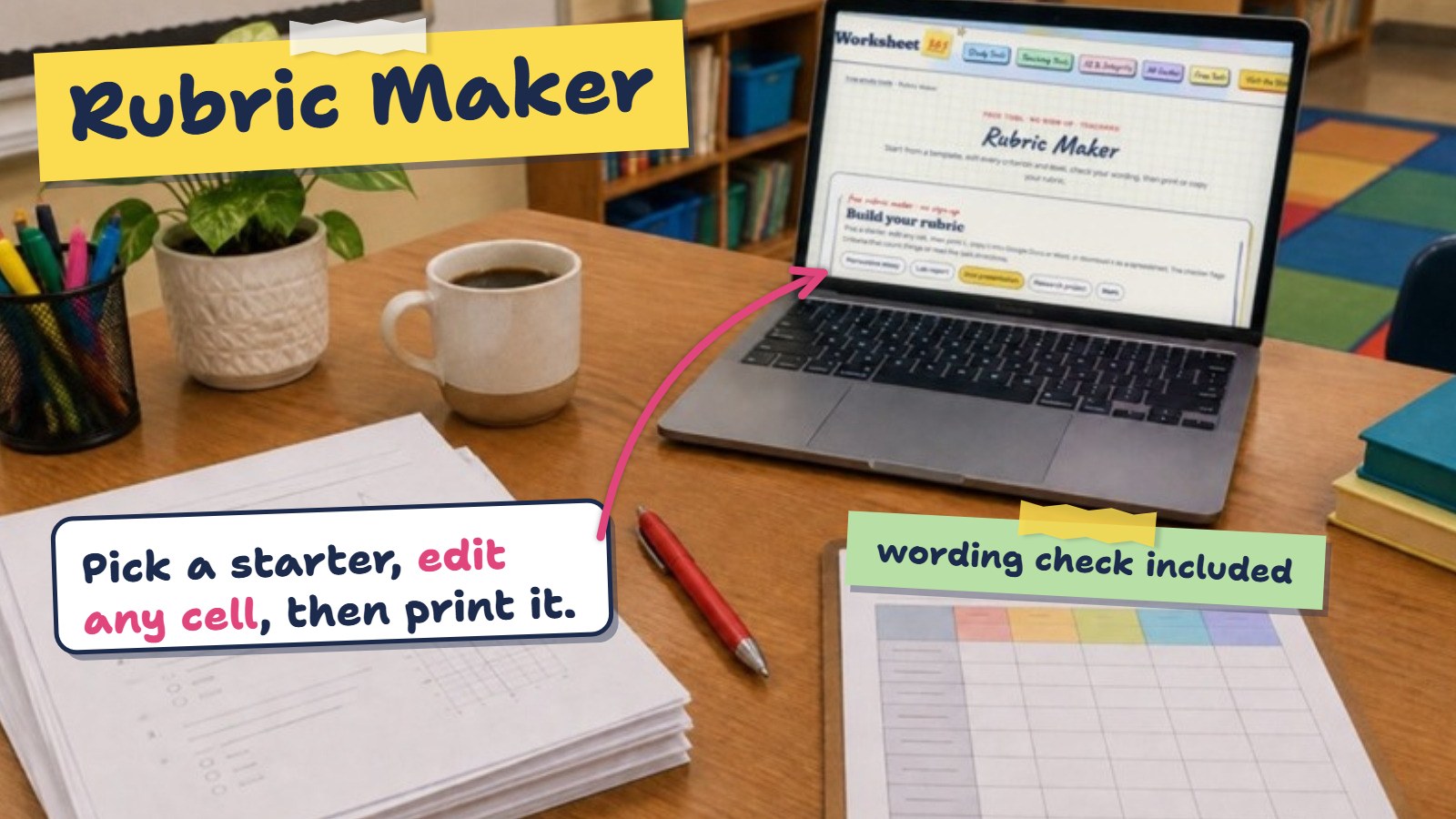 For teachersRubric makerEditable rubrics with a built-in wording check.Open the tool
-
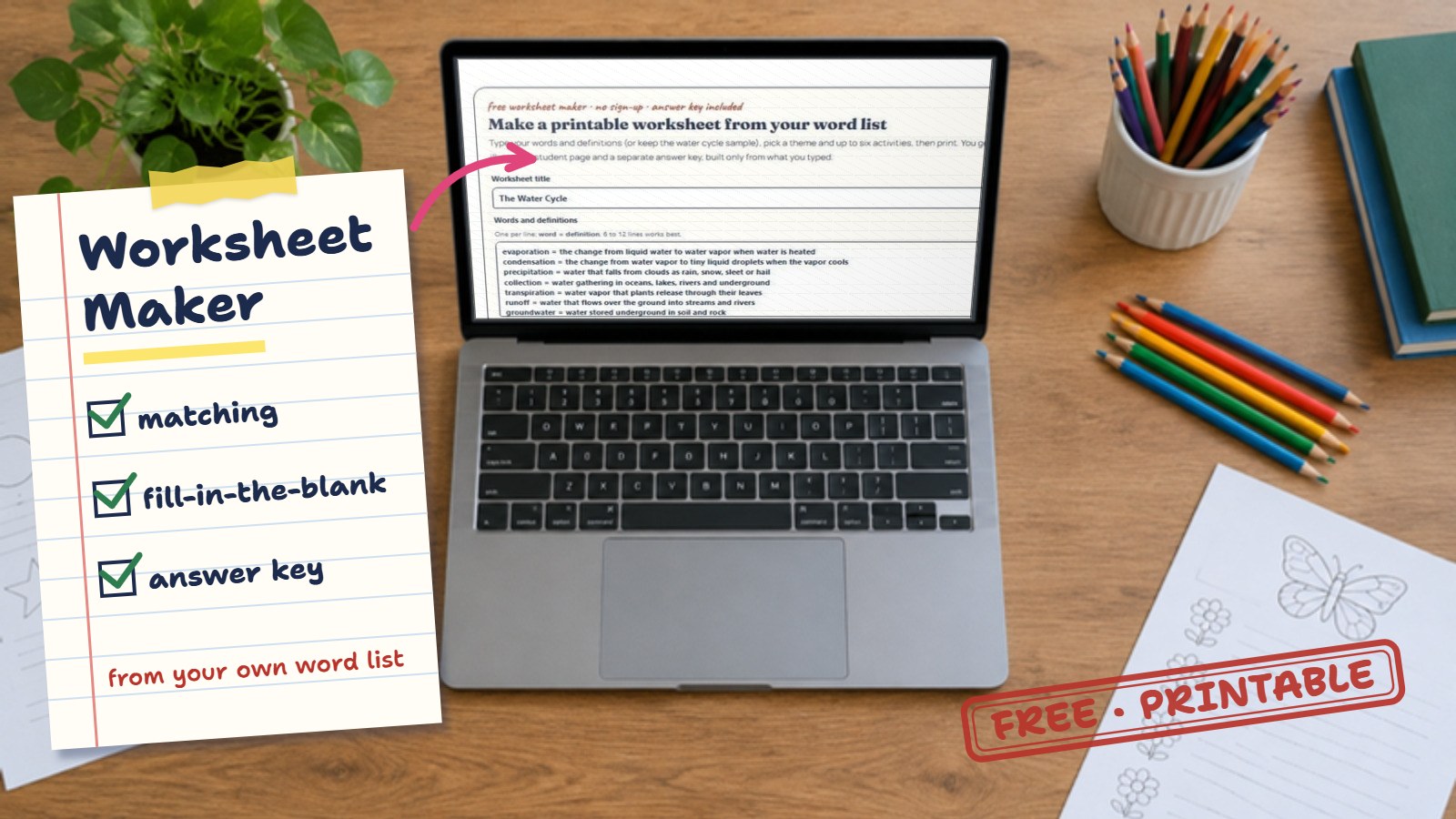 For teachersWorksheet makerA printable worksheet and answer key from a word list.Open the tool
-
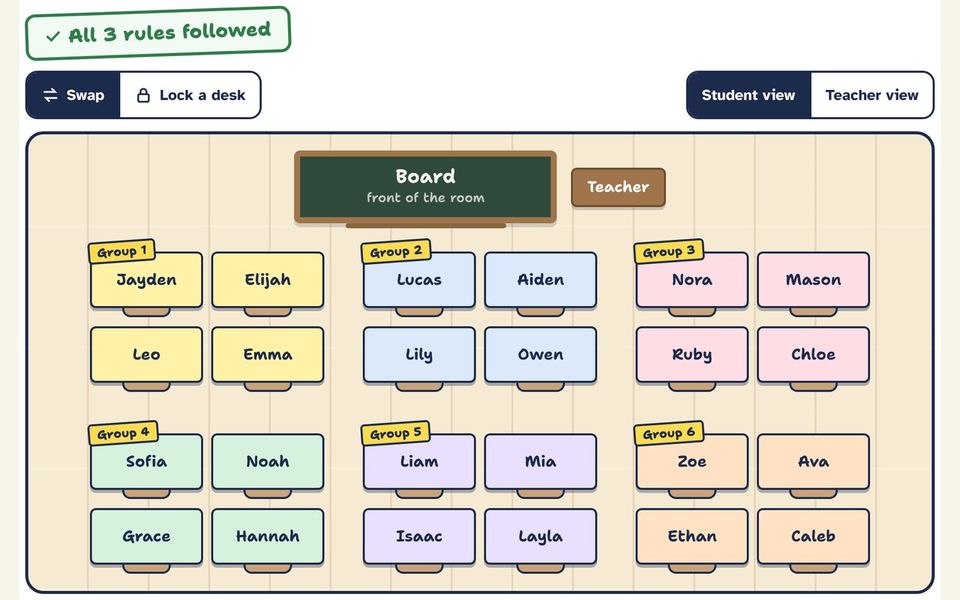 For teachersSeating chart makerA classroom seating chart with keep-apart rules. Shuffle, swap, print.Open the tool
Hmm, no tool for that yet. Ask us to build it ↓
More free stuff
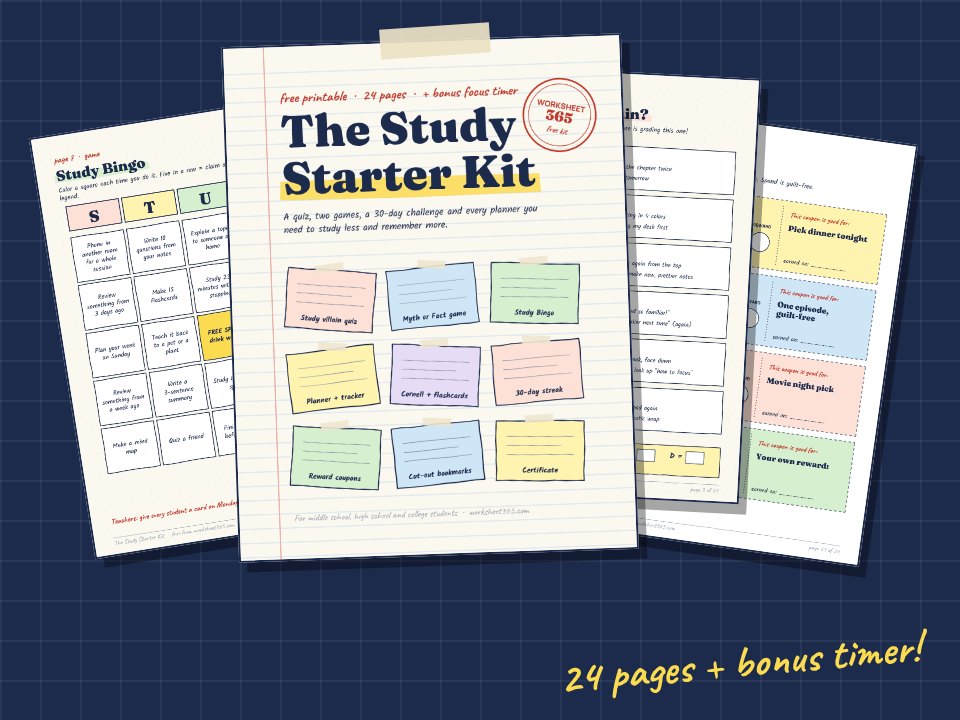 FREE DOWNLOAD · 24 PAGES + TIMERThe Study Starter KitA study-villain quiz, Study Bingo, a 30-day streak challenge, reward coupons and every planner you need. Plus the Focus Sprint timer.Get the free kit →
ANDROID APP · VERSION 2.1Final Grade appThe final exam calculator in your pocket: what you need on the final for every grade, your GPA, and PDF or Excel reports.Get it on Google Play →
Want to go further?
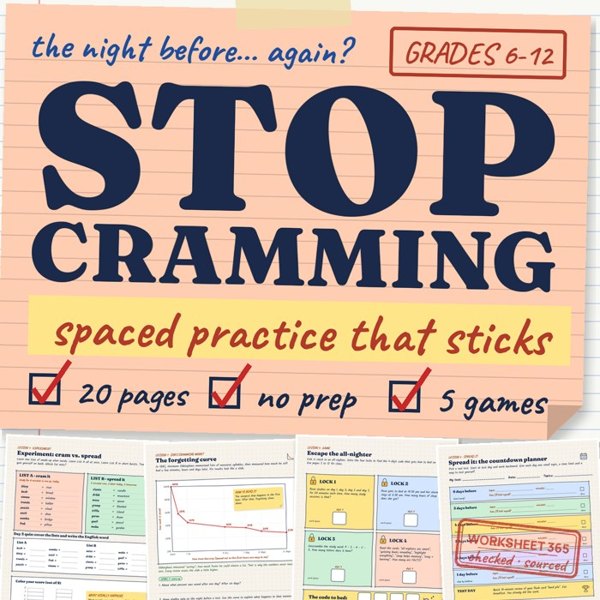
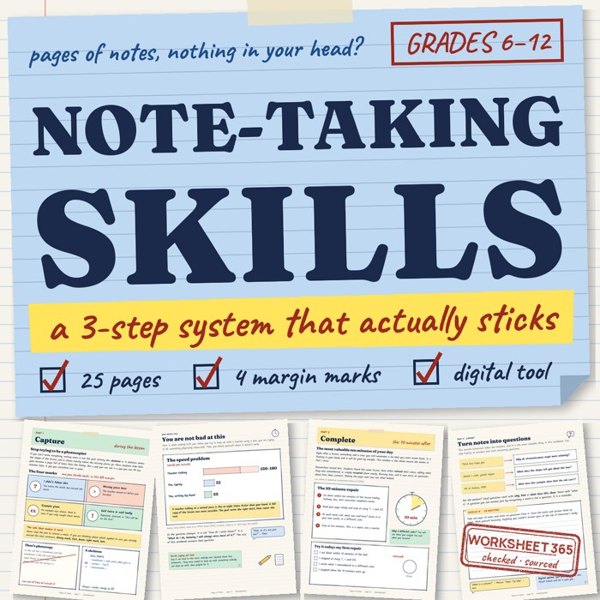
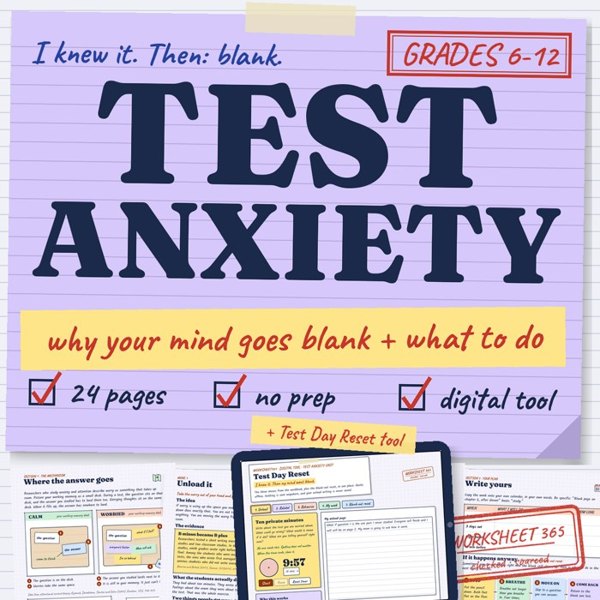
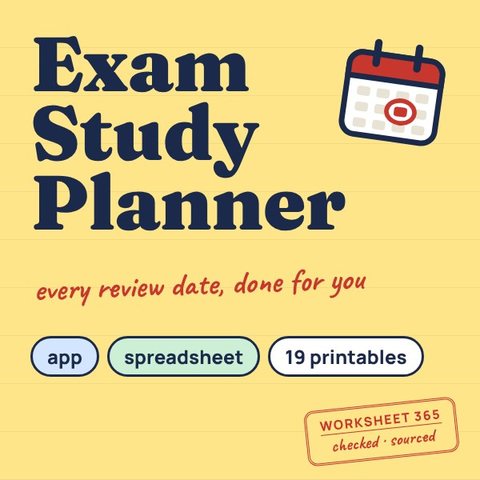
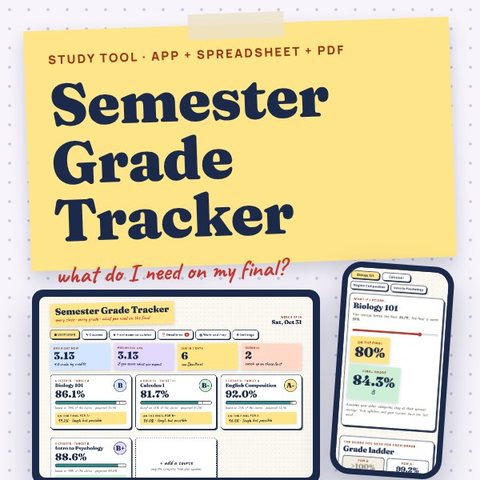
These are paid printables made by the same team. Buying one keeps every tool on this page free.
THE SUGGESTION BOX
Wish we had a tool for that?
Tell us what would save you time. The most requested ideas get built next.
Questions
Are these study tools really free?
Yes. Every tool on this page is free, runs in your browser and needs no account, no email and no download.
Do I need to sign up or install anything?
No. Click a tool, it opens on its own page and works right away, on a phone, tablet or computer.
Can I print what I make?
Yes. The flashcard, Cornell notes, rubric and worksheet makers all have a print button that gives a clean printable page.
Can I ask for a new tool?
Yes, use the suggestion box on this page. The most requested ideas are built next.