
If you have used Quizlet for a while, you have probably hit the wall: you open a set to study, and the most useful modes ask you to upgrade. You are not imagining it. A free Quizlet account still lets you flip flashcards and play Match, but the adaptive Learn mode and full practice tests are now metered, and the full versions sit behind Quizlet Plus. Quizlet Plus is listed at $35.99 a year, and Plus Unlimited at $44.99 a year (source).
That is not a huge amount of money, but it adds up for a student, and the good news is that you have real options. Below are 8 Quizlet alternatives with a free plan, what each one is best at, and what to watch out for before you move your study sets.
Quick answer: the closest free replacement for Quizlet is Knowt; for long-term memory, Anki; for notes and cards together, RemNote.
- Quizlet’s free plan still has flashcards and Match, but Learn and Test are limited.
- All 8 apps below have a free plan.
- Spaced repetition is the feature that matters most for real exams.
- Move one small set first, then the rest.
| App | Free plan | Spaced repetition | Best for |
|---|---|---|---|
| Knowt | Yes | Yes | Quizlet switchers |
| Anki | Yes* | Yes | long-term memory |
| Brainscape | Limited | Yes | easy scheduling |
| RemNote | Free tier | Yes | notes + cards |
| Gizmo | Free tier | — | game-style review |
| Cram | Yes | Yes | quick decks, AI card maker |
* Free on desktop, Android and web; one-time fee on iPhone. — = not confirmed on official pages. Free plans change often.
What to look for in a Quizlet alternative
Before you switch, it helps to know what actually makes a flashcard app better for learning, because most of them look the same at first.
- Spaced repetition. This is the feature that matters most. Plain flashcards show you every card the same amount. Spaced repetition shows you the cards you keep missing more often and the ones you know less often, so your time goes where it is needed. It beats normal flashcard review when a test is weeks away.
- A real free plan. Some apps are free with ads, some cap how much you can study per day, and some only let you try the good features. Read the limits, not the headline.
- Easy import. If you have years of Quizlet sets, an importer saves you hours.
- AI card generation, used carefully. Many apps can turn your notes or a PDF into flashcards. It is fast, but AI can get facts wrong, so read every card before you study it. Our guide to AI hallucinations explains why.
The 8 best Quizlet alternatives in 2026
1. Knowt: the closest free replacement
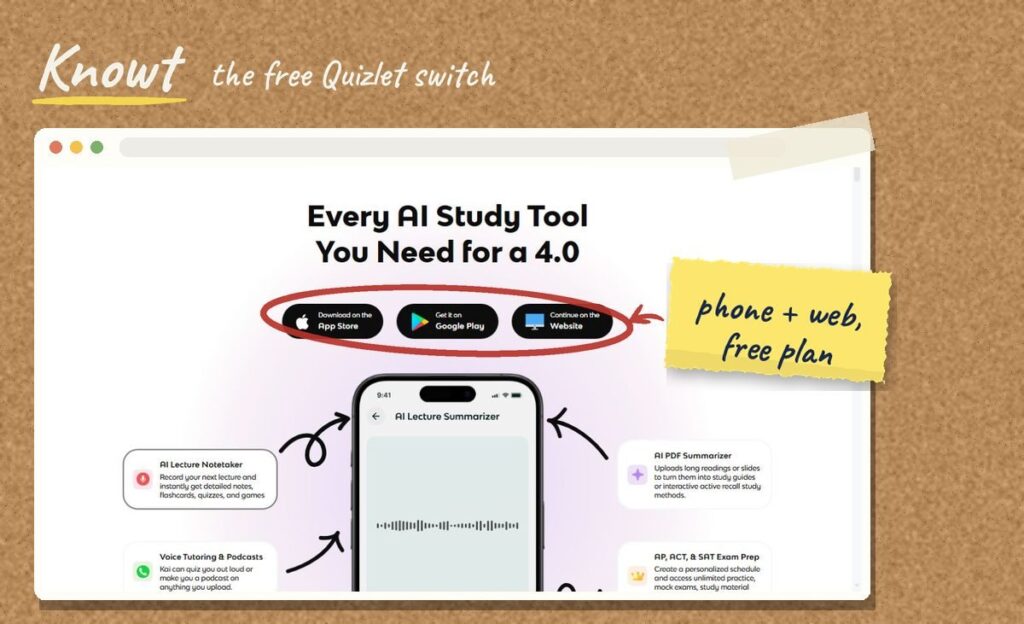
Knowt was built to be the free Quizlet. Flashcards, a Learn mode, matching games and practice tests are available on the free plan, with ads. Its biggest selling point for switchers is the Quizlet importer: you paste a link to your set and your cards come across without retyping.
Good to know: AI generation is capped on the free plan, and Knowt’s own help page notes that its browser extension can stop working when Quizlet changes its website. Test with one small set first.
Best for: students who liked Quizlet and just want it back without paying. Visit Knowt
2. Anki: the best free tool for long-term memory
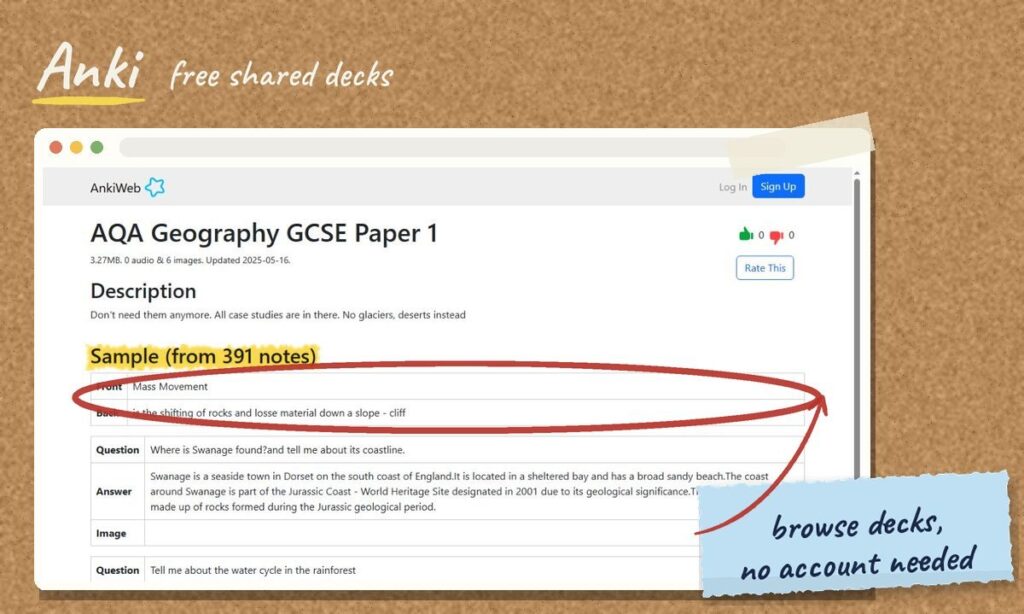
Anki is open source and free on desktop, Android and the web. The iPhone app, AnkiMobile, is a one-time purchase of $24.99, which also helps fund the project. Anki’s scheduling is the most configurable of any app here, which is why medical students and language learners swear by it.
Good to know: the interface looks dated and there is a real learning curve. You will spend an hour setting things up, and you usually type your own cards. That effort pays off if you are studying for months.
Best for: long courses, big exams and anyone who wants maximum control. Visit Anki
3. Brainscape: spaced repetition without the setup
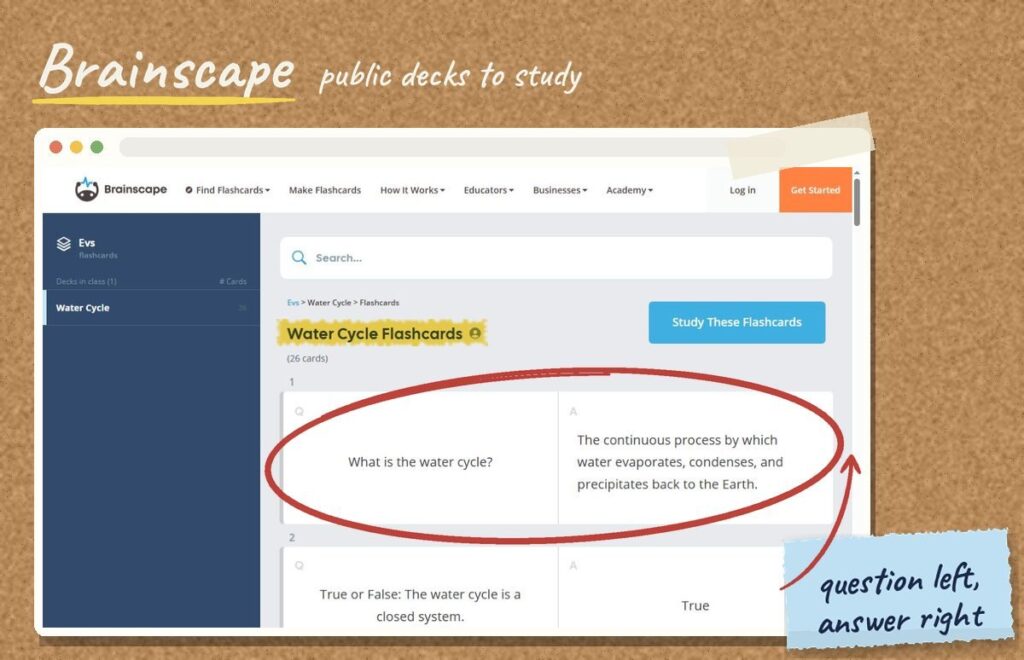
Brainscape asks you to rate how well you knew each card from 1 to 5, then uses that rating to decide when you see it again. It is the same idea as Anki with far less setup, and it has a library of ready-made decks for some tests and certifications.
Good to know: the free plan is more limited than Knowt’s, and the Pro plan is listed at about $19.99 a month or $95.99 a year, which is more than Quizlet Plus (source).
Best for: students who want smart scheduling and are happy to pay for convenience. Visit Brainscape
4. RemNote: notes and flashcards in one place
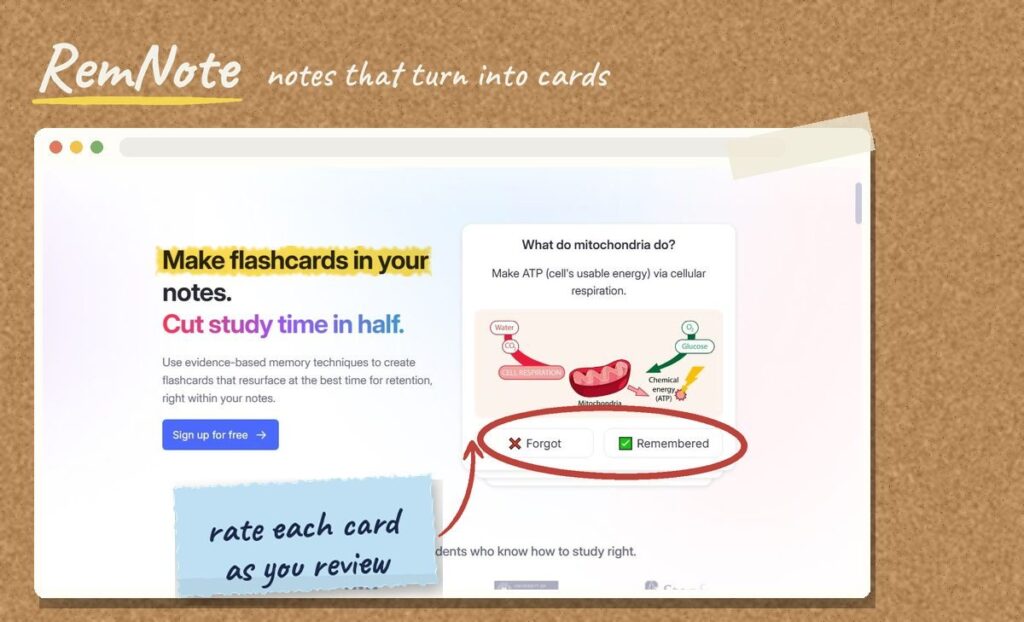
RemNote lets you turn lines in your notes into flashcards as you write, so you do not have to copy everything into a separate app. It includes spaced repetition and works well for subjects where you take a lot of notes, like history, biology or law.
Good to know: it takes a little time to learn the note-taking shortcuts, and advanced features are on paid plans.
Best for: students who want one place for notes and review. Visit RemNote
5. Gizmo: flashcards that feel like a game
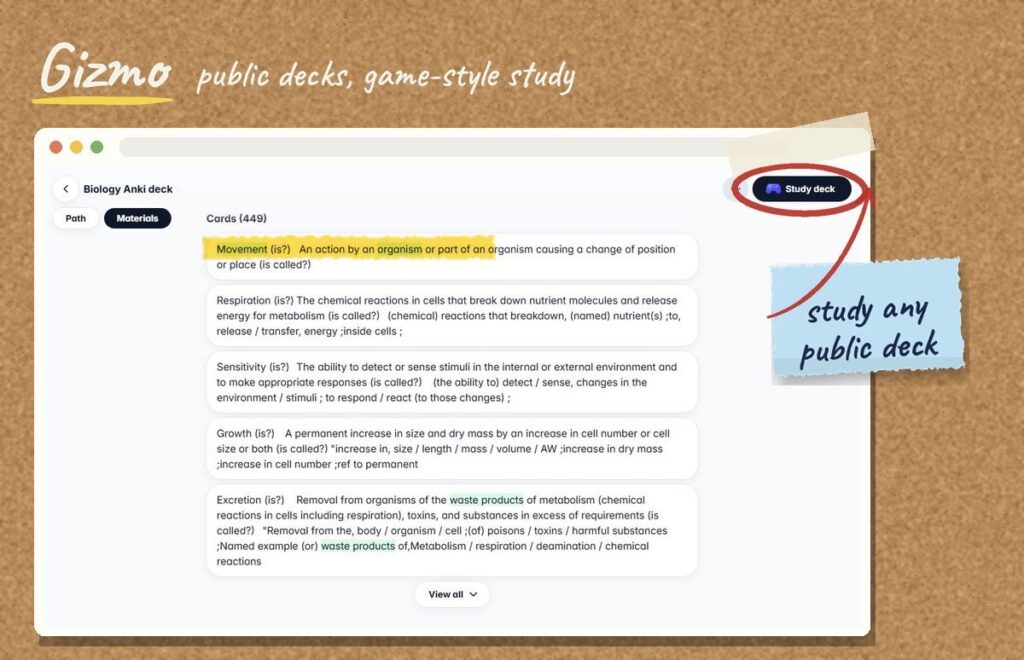
Gizmo focuses on a mobile, game-like study experience and offers a documented Quizlet import. If you struggle to sit down and review, the game elements can make short daily sessions easier to stick with.
Best for: students who study on their phone and need a little motivation. Visit Gizmo
6. Cram: the quick and simple option
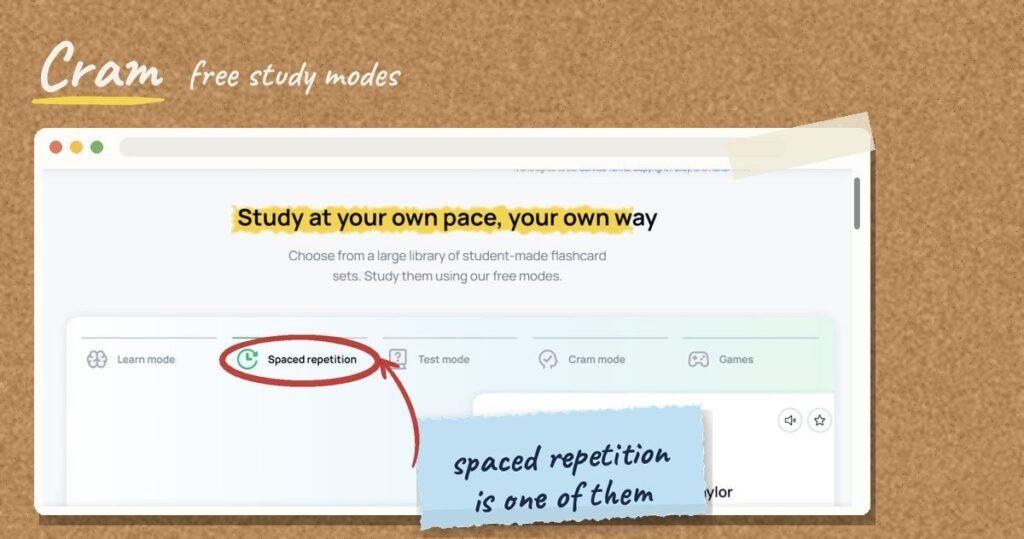
Cram is the low-friction choice: make a set, study it, close the tab. Its free study modes include learn, test, games and a spaced repetition mode, and it now offers an AI flashcard maker. It also has a large public library of user-made sets, but quality varies, so check a set before you trust it.
Best for: a quiz on Friday when you just need cards to exist. Visit Cram
7. Memrise: best for language vocabulary
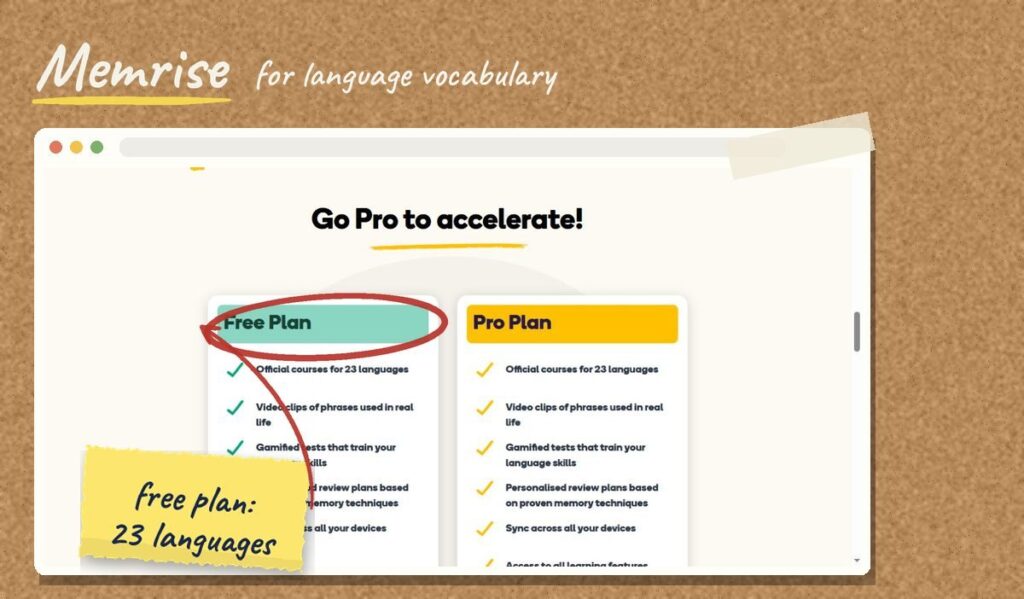
If you are learning a language rather than studying a school subject, Memrise is built around vocabulary, listening and speaking practice. It is a better fit than a general flashcard app for learning words in context.
Best for: language learners. Visit Memrise
[ INSÉRER L’IMAGE : quizlet-alternatives-memrise-screenshot.jpg ]
8. Gemini Notebook (formerly NotebookLM): flashcards from your own notes
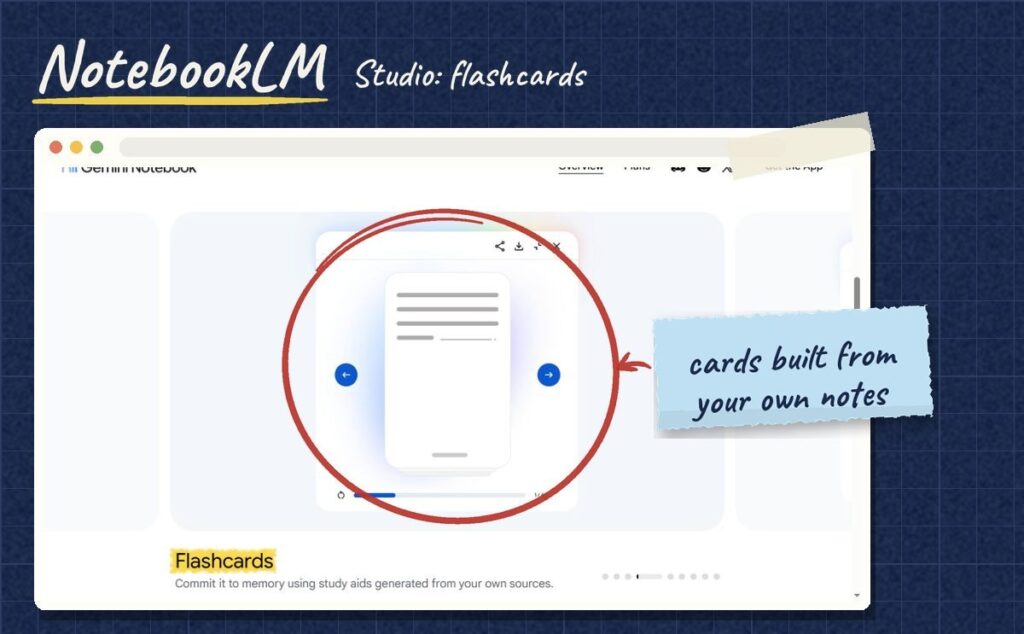
Google’s free AI notebook is not a flashcard app, but it can generate flashcards and quizzes directly from the notes, PDFs and slides you upload. That makes it a quick way to build a first set of cards from your own class material. We explain the whole process in our NotebookLM study guide.
Best for: turning a pile of class notes into study questions fast.
Which flashcard app fits you?
1. Do you already have Quizlet sets?
2. When is your big test?
3. How do you like to study?
Answer the 3 questions to see your match.
How to move your Quizlet sets
Switching is easier than it looks, but a few minutes of care will save you frustration later.
- Start with one small set. Import it, check that images and special characters came through, then move the rest.
- Use the built-in importer when there is one. Knowt and Gizmo document dedicated Quizlet import flows. Brainscape documents a CSV route. Anki usually needs an export, a conversion or an add-on.
- Only move sets you made yourself. Sets created by other people may be protected by copyright, so check the terms of each service before copying them.
- Keep your Quizlet account for a few weeks until you are sure everything moved correctly.
Quizlet vs Anki: which one should you use?
This is the most common comparison, so here is the short version. Quizlet is easier: it is quick to make a set, fun to study with, and has a huge library of sets. Anki is harder to learn but better at making information stick over months, because its spaced repetition is free and fully adjustable. If your test is next week, Quizlet or Knowt is fine. If your exam is at the end of the year, Anki will likely serve you better.
Frequently asked questions
[ BLOC HTML : bloc-faq.html ] → ajoute un bloc « HTML personnalisé » et colle le contenu de ce fichier
Is there still a free version of Quizlet?
Yes. A free account still lets you create sets, flip flashcards and play Match, with ads. The Learn mode and practice tests are limited for free users, with full access on Quizlet Plus.
What is the best free alternative to Quizlet?
For most students, Knowt is the closest free replacement because it imports Quizlet sets and offers similar study modes. For long-term memorization, Anki is the strongest free option.
Is Anki really free?
Anki is free on desktop, Android and the web. The official iPhone app has a one-time fee of $24.99.
Are AI-generated flashcards reliable?
They are a good starting point, not a finished product. AI can get facts, dates and definitions wrong, so review every card against your notes or textbook before you study it.
The bottom line
You do not need to pay to study with flashcards in 2026. Start with Knowt if you want Quizlet back for free, move to Anki if you are studying for the long haul, and try RemNote if you would rather keep notes and cards together. Whatever you choose, the habit matters more than the app: short, regular review sessions beat one long cram the night before.
For more tools that help you study, browse our Study Tools section.