15 AI Tools for Students (2026): Free Plans, Student Deals & What’s OK for School
15 AI tools for students, sorted by job: research, writing, lectures, flashcards, math, slides and planning. Free plans and student deals checked November 2026, plus a free tool finder and which uses are OK for school.
Learning Guides · AI Guides · AI tools for students
Research: Perplexity or Consensus
Typos & grammar: Grammarly (free)
Lectures: Notta (50% off for students)
Memorizing: Brainscape or Quizlet
Projects: Canva (free for K-12 classes)
All 15 have a free version or free trial credits. Not sure what you need? Use the 20-second tool finder.
We checked every price and free plan on the tools’ own pages on November 4, 2026. Prices change, so confirm before paying. Some links may become affiliate links later; that never changes our picks. Your teacher’s AI rule always wins.
Tool finder Free
Pick what you need help with. You’ll get the best matches from this list.
1. I need help with…
2. My budget
One rule before you start
The tool helps you understand, practice or organize. You still do the graded work.
The tool can change or produce work you hand in. Ask first, and say what you used.
Every tool below has one of these badges. The full breakdown, with a 60-second checker, is in Is using AI cheating?
Research & finding sources
1. PerplexityOK for learning
Ask a question in plain words; the answer lists the web pages it used.
Free: 3 Pro searches a day, basic search practically unlimited
Paid: Education Pro $10/mo
Student deal: Education Pro for verified students
✓ Find sources fast, then open and read them
✗ Copy its summary into your essay
2. ConsensusOK for learning
Search engine that answers from published research papers.
Free: 10 Pro messages + 3 Deep Searches a month
Paid: Pro (see site)
Student deal: 40% off for 12 months with a student email
✓ Check what studies say on a topic
✗ Cite a paper you haven't opened
3. ElicitOK for learning
Finds, summarizes and compares research papers for bigger projects.
Free: Unlimited paper search & summaries, limited reports
Paid: $11/mo billed yearly
Student deal: None listed
✓ Literature reviews, science fair, college papers
✗ Trust a summary without the source
Writing & grammar
4. GrammarlyCheck your class rule
Spelling, grammar and tone suggestions while you type, plus AI prompts.
Free: Grammar & spelling + 100 AI prompts a month
Paid: Pro from $12/mo
Student deal: Through schools only
✓ Catch typos and commas
✗ Let it rewrite whole paragraphs
5. QuillBotCheck your class rule
Paraphraser, grammar checker and summarizer in one box.
Free: Paraphrase 125 words, 2 modes, summarize 1,200 words
Paid: $8.33/mo billed yearly
Student deal: None listed
✓ Summarize a long reading to study it
✗ Paraphrase text you'll hand in
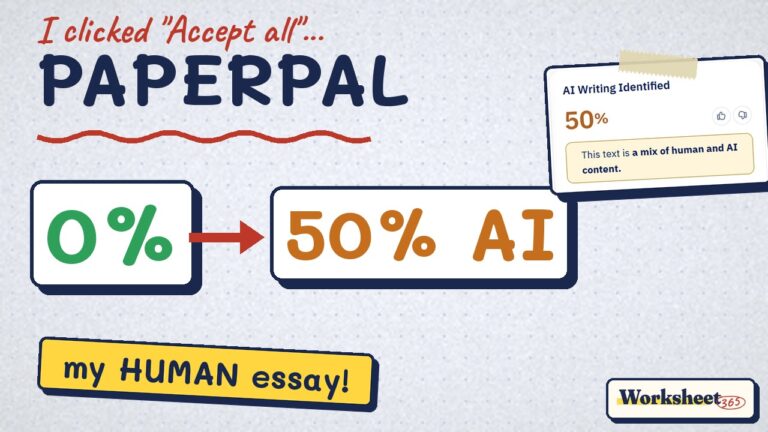
6. PaperpalCheck your class rule
Academic writing checks: grammar, references and plagiarism.
Free: See site
Paid: See site
Student deal: Institution plans
✓ Polish citations and academic style
✗ Generate sections of your paper
Careful here
Writing tools are where most students get in trouble. Fixing commas is fine almost everywhere; rewording your sentences means the words aren’t yours anymore. Run the 60-second checker before you hand anything in.
Lectures, notes & reading
7. NottaCheck your class rule
Records a lecture and turns it into searchable text and a summary.
Free: 120 min a month, 3 min per recording
Paid: $8.17/mo billed yearly
Student deal: 50% off Pro with a school email
✓ Review a lecture you attended
✗ Record without your teacher's OK
8. SpeechifyOK for learning
Reads any text out loud so you can listen to your readings.
Free: 10 voices, up to 1.5x speed
Paid: $139/yr (about $11.58/mo)
Student deal: Via schools (EDU form)
✓ Listen to readings on the bus
✗ Replace reading the hard parts
Memorizing & practice tests
9. BrainscapeOK for learning
Flashcards with spaced repetition, plus AI that makes cards from notes.
Free: Your own cards free, AI cards capped
Paid: Pro $7.99/mo (yearly)
Student deal: Group pricing for schools
✓ Turn your notes into daily review
✗ Skip making some cards yourself
10. QuizletOK for learning
Study sets, flashcards and practice tests built from your terms.
Free: Basic flashcards & study modes
Paid: Quizlet Plus $19.99/yr
Student deal: Teacher plans
✓ Practice tests before a quiz
✗ Use shared sets during a test
Prefer paper? Our free flashcard template and Cornell notes template print in one click.
Math, science & coding
11. BrilliantOK for learning
Short interactive lessons in math, science and coding.
Free: A daily lesson
Paid: $20/mo (monthly)
Student deal: Group & gift plans
✓ Rebuild a math skill step by step
✗ Expect homework answers
Slides & projects
12. GammaCheck your class rule
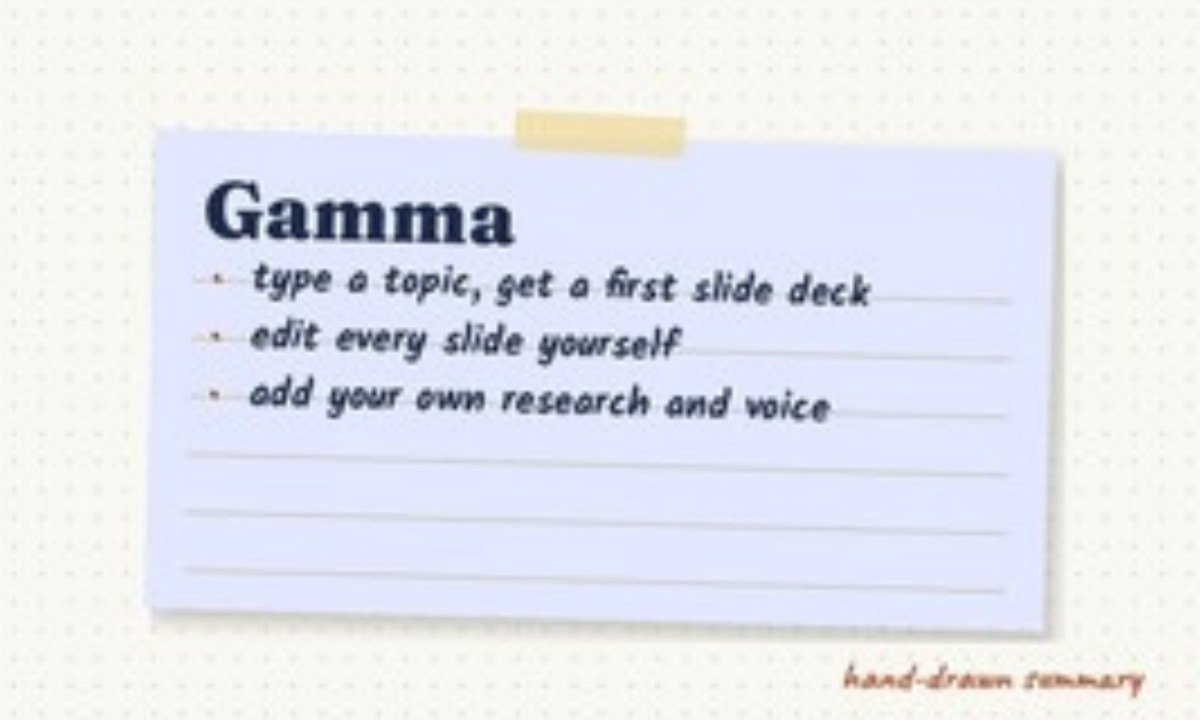
Type a topic and get a first slide deck you then edit.
Free: 400 AI credits at sign-up, up to 10 cards
Paid: See site
Student deal: None listed
✓ Get a layout, then add your own research
✗ Present slides you didn't write
13. CanvaOK for learning
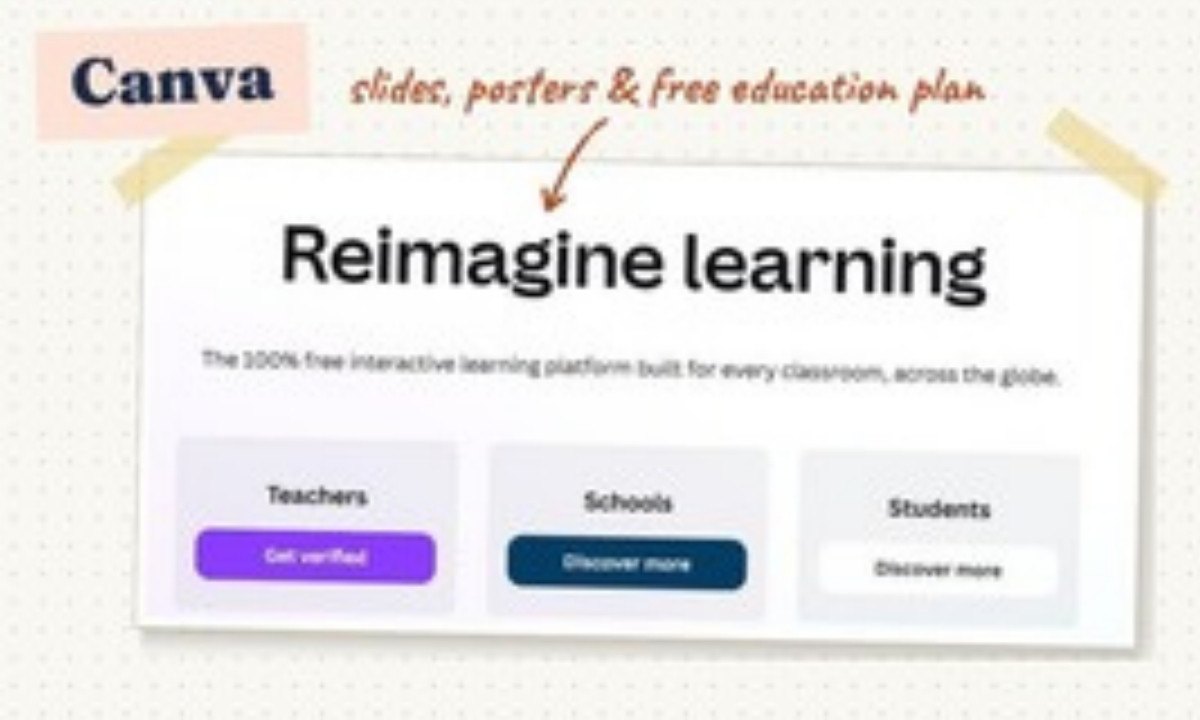
Slides, posters and infographics with AI design helpers.
Free: Free plan with lots of templates
Paid: Pro (see site)
Student deal: Free for K-12 students via their teacher
✓ Design a project or poster
✗ Use AI images without saying so
Planning & organizing
14. XmindOK for learning
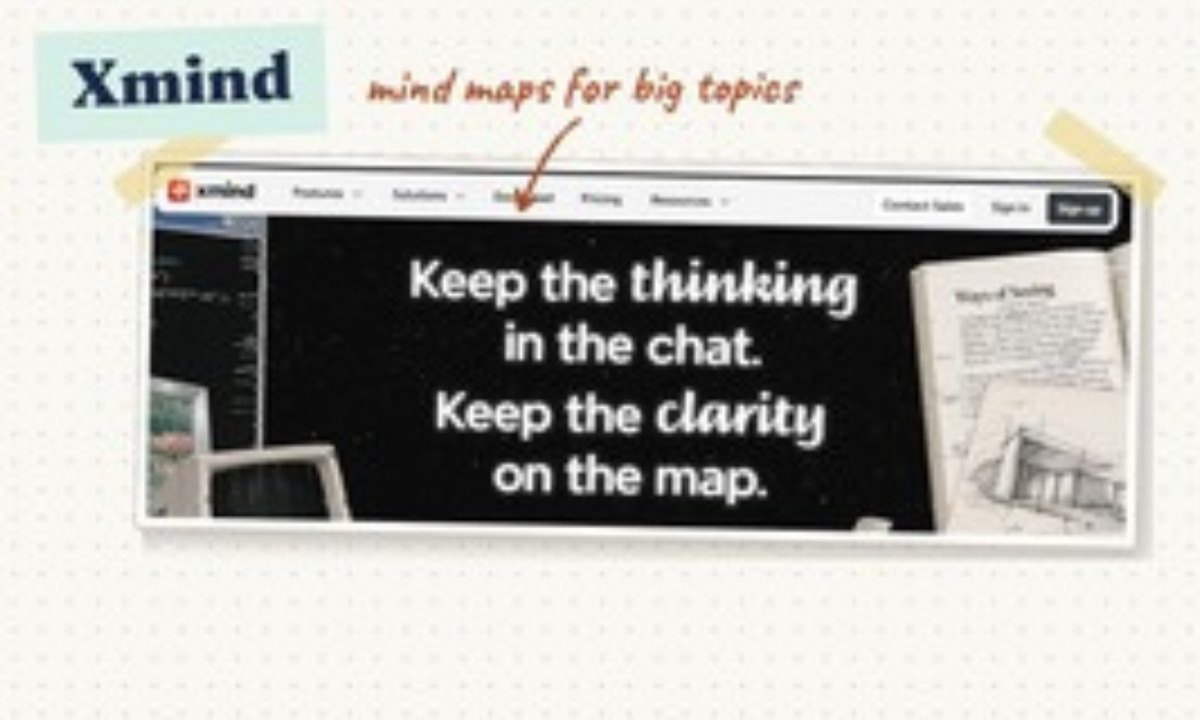
Mind maps that break a big topic into branches you can see.
Free: 10 online maps + 50 AI credits
Paid: Pro $4.92/mo (yearly)
Student deal: None listed for students
✓ Map a unit before an exam
✗ Let AI build the whole map
15. TickTickOK for learning
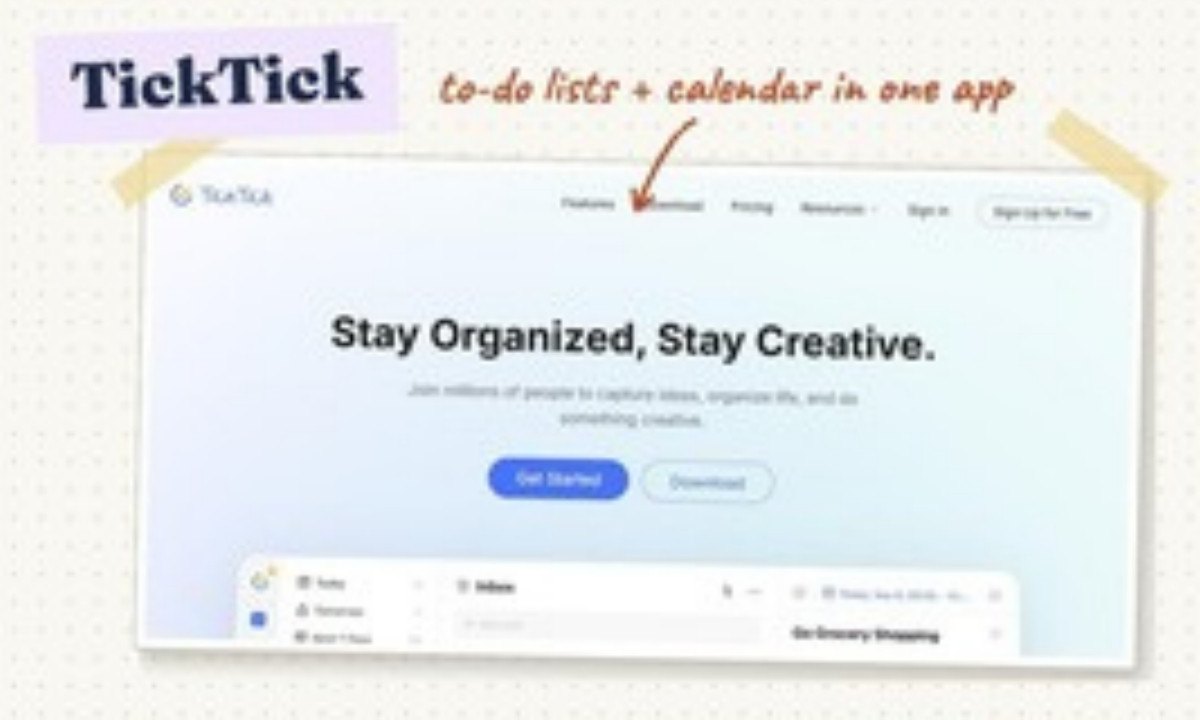
To-do lists, calendar and focus timer in one app.
Free: Lists, reminders, calendar basics
Paid: Premium (see site)
Student deal: None listed
✓ Plan homework and study blocks
✗ Plan without breaks
Exams coming? Our free final exam calculator tells you the score you need, and the study schedule guide spreads the work out.
All 15 compared
| Tool | Best for | Free version | Paid from | Student deal |
|---|---|---|---|---|
| Perplexity | Research & finding sources | 3 Pro searches a day, basic search practically unlimited | Education Pro $10/mo | Education Pro for verified students |
| Consensus | Research & finding sources | 10 Pro messages + 3 Deep Searches a month | Pro (see site) | 40% off for 12 months with a student email |
| Elicit | Research & finding sources | Unlimited paper search & summaries, limited reports | $11/mo billed yearly | None listed |
| Grammarly | Writing & grammar | Grammar & spelling + 100 AI prompts a month | Pro from $12/mo | Through schools only |
| QuillBot | Writing & grammar | Paraphrase 125 words, 2 modes, summarize 1,200 words | $8.33/mo billed yearly | None listed |
| Paperpal | Writing & grammar | See site | See site | Institution plans |
| Notta | Lectures, notes & reading | 120 min a month, 3 min per recording | $8.17/mo billed yearly | 50% off Pro with a school email |
| Speechify | Lectures, notes & reading | 10 voices, up to 1.5x speed | $139/yr (about $11.58/mo) | Via schools (EDU form) |
| Brainscape | Memorizing & practice tests | Your own cards free, AI cards capped | Pro $7.99/mo (yearly) | Group pricing for schools |
| Quizlet | Memorizing & practice tests | Basic flashcards & study modes | Quizlet Plus $19.99/yr | Teacher plans |
| Brilliant | Math, science & coding | A daily lesson | $20/mo (monthly) | Group & gift plans |
| Gamma | Slides & projects | 400 AI credits at sign-up, up to 10 cards | See site | None listed |
| Canva | Slides & projects | Free plan with lots of templates | Pro (see site) | Free for K-12 students via their teacher |
| Xmind | Planning & organizing | 10 online maps + 50 AI credits | Pro $4.92/mo (yearly) | None listed for students |
| TickTick | Planning & organizing | Lists, reminders, calendar basics | Premium (see site) | None listed |
“See site” means the price wasn’t shown on the tool’s public pricing page when we checked. Yearly prices are shown per month. Many of these services require users to be at least 13, and some 18: check the terms, and get a parent’s OK if you’re under 18.
Two printable units from our store, with real examples and answer keys, for students and teachers.
 How to Study with AI and Actually Remember ItStudy-skills workbook · $6 on TPT ↗
 AI Fact-Checking UnitVerify AI answers, spot fake sources · $7 on TPT ↗
Want one plan instead of five apps? The Exam Study Planner builds your review schedule, and the free 24-page Study Starter Kit is one click away.
Questions
What is the best free AI tool for students?
It depends on the job. For research, Perplexity’s free plan gives 3 Pro searches a day and lists its sources. For grammar, Grammarly’s free plan covers spelling and grammar. For memorizing, Quizlet and Brainscape both let you study your own cards free.
Which AI tools have student discounts?
When we checked: Perplexity Education Pro is $10 a month for verified students, Consensus gives 40% off for 12 months with a student email, Notta gives 50% off Pro with a school email, and Canva is free for K-12 students whose teacher signs up for Canva for Education.
Are AI tools allowed in school?
Tools that help you learn (explaining, quizzing, planning) are usually fine. Tools that write or reword what you hand in depend on your class rule. When in doubt, ask first and say what you used. See Is using AI cheating?
Can I trust what an AI tool tells me?
Not without checking. Open the source it cites and make sure it says what the AI claims. Tools that show their sources, like Perplexity, Consensus and Elicit, make this easier, but they can still get things wrong.
The bottom line
You don’t need all 15. Pick one tool per job you actually struggle with, start on the free plan, and keep the graded thinking yours. AI that helps you understand and practice makes you better at school; AI that does the work for you just moves the problem to test day.
Clear about sources.
- Pricing and plan pages checked November 4, 2026: Notta, Quizlet, Brainscape, Gamma, Xmind, Brilliant, Grammarly, QuillBot, Speechify, Elicit, Paperpal.
- Perplexity Help Center: Which subscription plan is right for you? (free limits, Education Pro).
- Consensus: official pricing summary (free limits, student discount).
- Canva: Canva for Education (free for K-12 teachers and their students).
All product names are trademarks of their owners; Worksheet365 is not affiliated with them. Screenshots show each tool’s public homepage, taken November 2026. Our editorial approach · Affiliate disclosure