How to Make a Fillable PDF Worksheet (We Tested It, 2026)
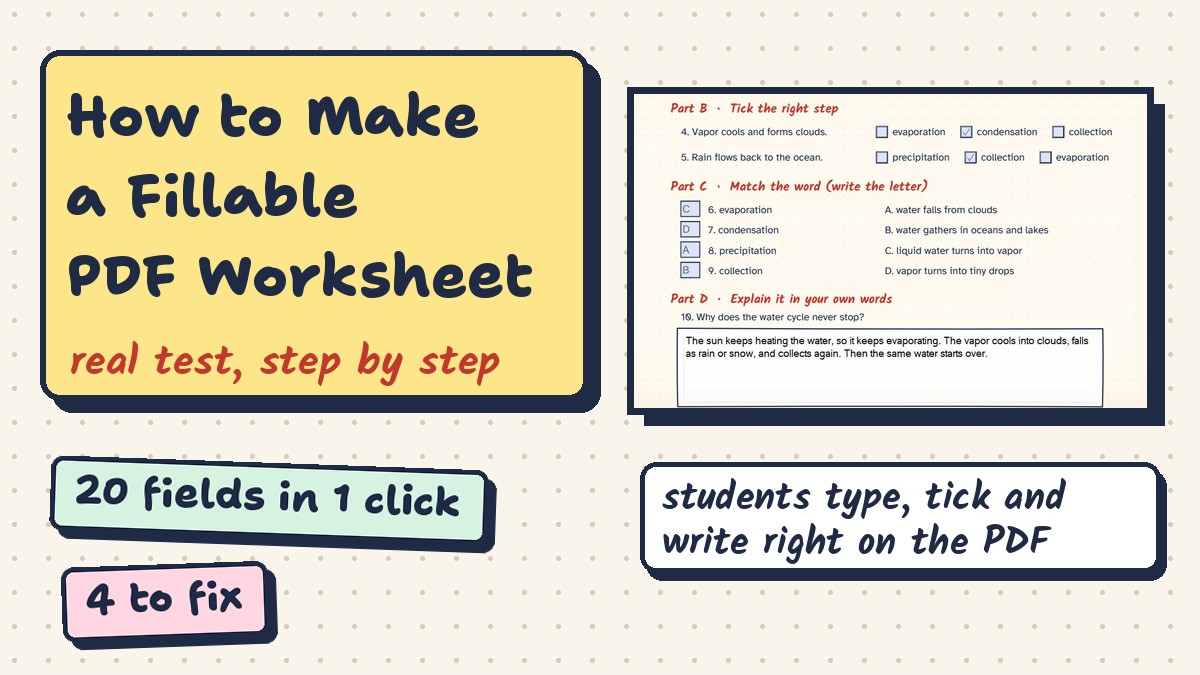
We turned a real worksheet into a fillable PDF: one click found 20 fields, 4 needed fixing. Step-by-step screenshots, tick box trap and free trial limits.
Learning Guides · Teaching Tools · Fillable PDF tutorial
Click Recognize Form, then check every field before students get it.
About the links: we tested every step on the PDFelement free trial. Some links are affiliate links: Worksheet365 may earn a commission at no extra cost to you. Our disclosure.
Watch the 4 steps in under 3 minutes

What a fillable PDF is
Our test: a real one-page worksheet in PDFelement for Windows (free trial).
Step 1: Form tab → Recognize Form

Save your worksheet as a PDF first (Word, Google Docs or Canva). About 2 seconds.
Step 2: check what it found

Step 3: fix the big answer box

Step 4: fill it in like a student

Home tab = fill mode. Typing, ticks, letters and the long answer all worked.
Watch out: 2 ticks in 1 question
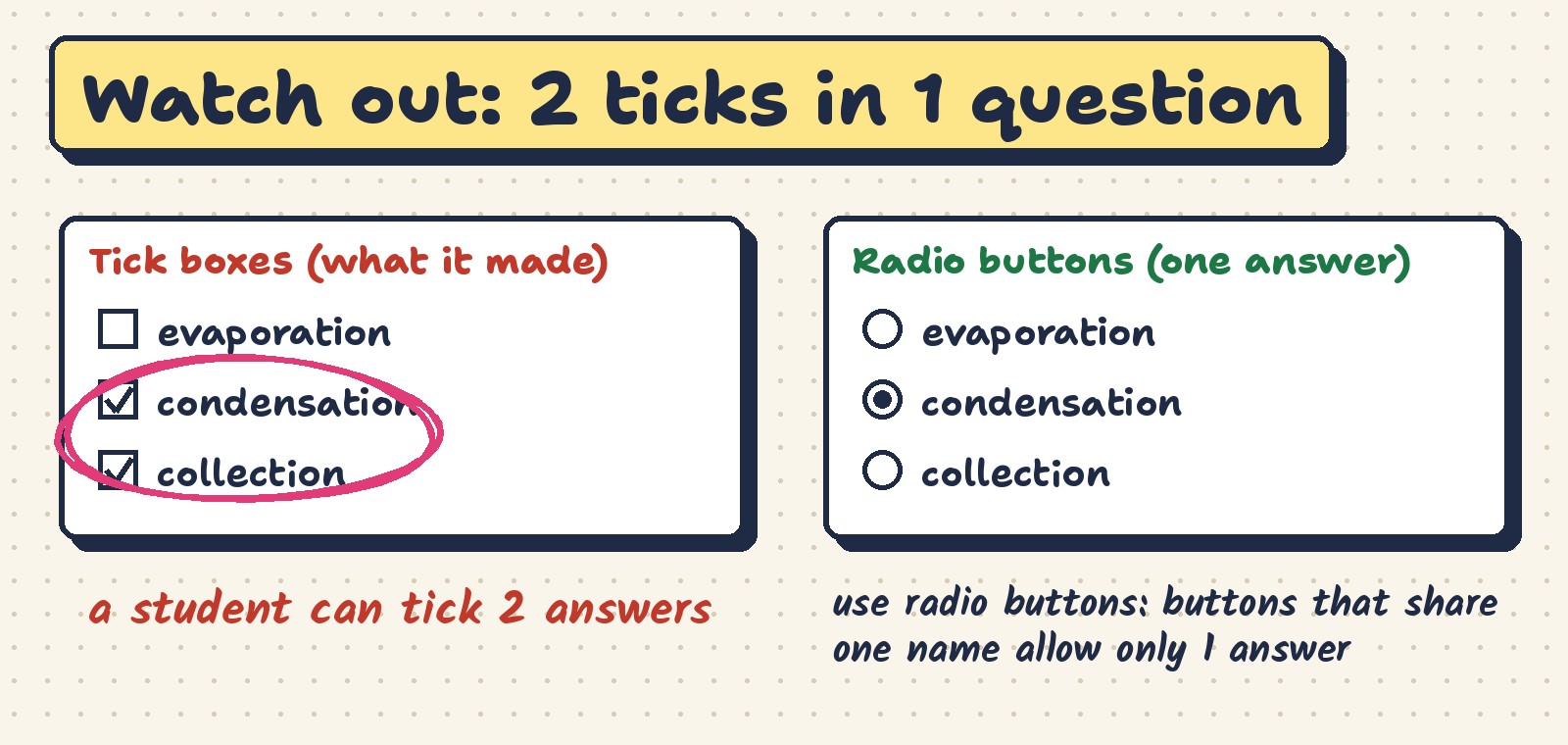
One right answer? Use radio buttons instead of tick boxes.
Before you send it
- Fill it in once yourselfEvery field, in fill mode.
- Check the footerOur stray field sat there.
- Big boxes = Multi-lineOr answers stay on one line.
- One answer = radio buttonsTick boxes allow two.
- Send a blank copyKeep your test copy separate.
Is it free?

Free trial
- All 4 steps work
- Watermark when you save
- Answers stay in the file
Students · $39.99/year
- PDFelement Pro for Windows
- 69% off the $129 price
- Checked with Student Beans
Schools can ask Wondershare for a custom plan. Prices checked November 12, 2026.
Our honest take
Questions
How do I make a fillable PDF?
Save your worksheet as a PDF, open it in a PDF form editor, run automatic field detection (Recognize Form in PDFelement), then fix any wrong fields and fill it in once to test. That is the method we used in this guide.
Can I make a fillable PDF for free?
With the PDFelement free trial you can create, fix and fill every field, but the saved file gets a Wondershare PDFelement watermark across the page. The paid version saves without it.
Can I turn a Word or Google Docs worksheet into a fillable PDF?
Yes. Save or download it as a PDF first, then follow the 4 steps above. Our test worksheet was a normal PDF with lines and boxes, not a form.
Why is my answer box only one line?
Multi-line is off. Open the field’s Properties, go to Options and tick Multi-line. Recognize Form also split our big lined box into three one-line fields, so we replaced them with one field.
Do students need special software to fill it in?
They need a PDF reader that supports forms. The file we saved kept every typed answer when we opened it with PDFium, the PDF engine used by Chrome. Test your file on the device your students use before you send it.
How we tested: PDFelement for Windows, free trial, November 12, 2026, on our own one-page worksheet; Recognize Form run twice. PDFelement and Wondershare are trademarks of their owner. Related: teacher grader app · games like Kahoot.