9 Games Like Kahoot (Free for Teachers): Big Classes, No-Device Options & Team Games
9 games like Kahoot for teachers, sorted by your room: 1:1 devices, one screen, or no tech at all. Free plans checked November 2026, plus a 3-question game finder.
Learning Guides · Teaching Tools · Games like Kahoot
Best overall: AhaSlides (50 players free)
Most game modes: Blooket
Big class, free: Wayground or Gimkit
Team race: Socrative
No student devices: Baamboozle or Plickers
Zero tech: 3 games with supplies
Not sure which fits your class? Answer 3 questions in the game finder.
We checked every free plan on the tools’ own pages on November 5, 2026. Plans change, so confirm before you rely on one. Some links are affiliate links: if you sign up or buy through them, we may earn a commission at no extra cost to you. As an Amazon Associate, Worksheet365 earns from qualifying purchases. How we handle this.
Why teachers look for games like Kahoot
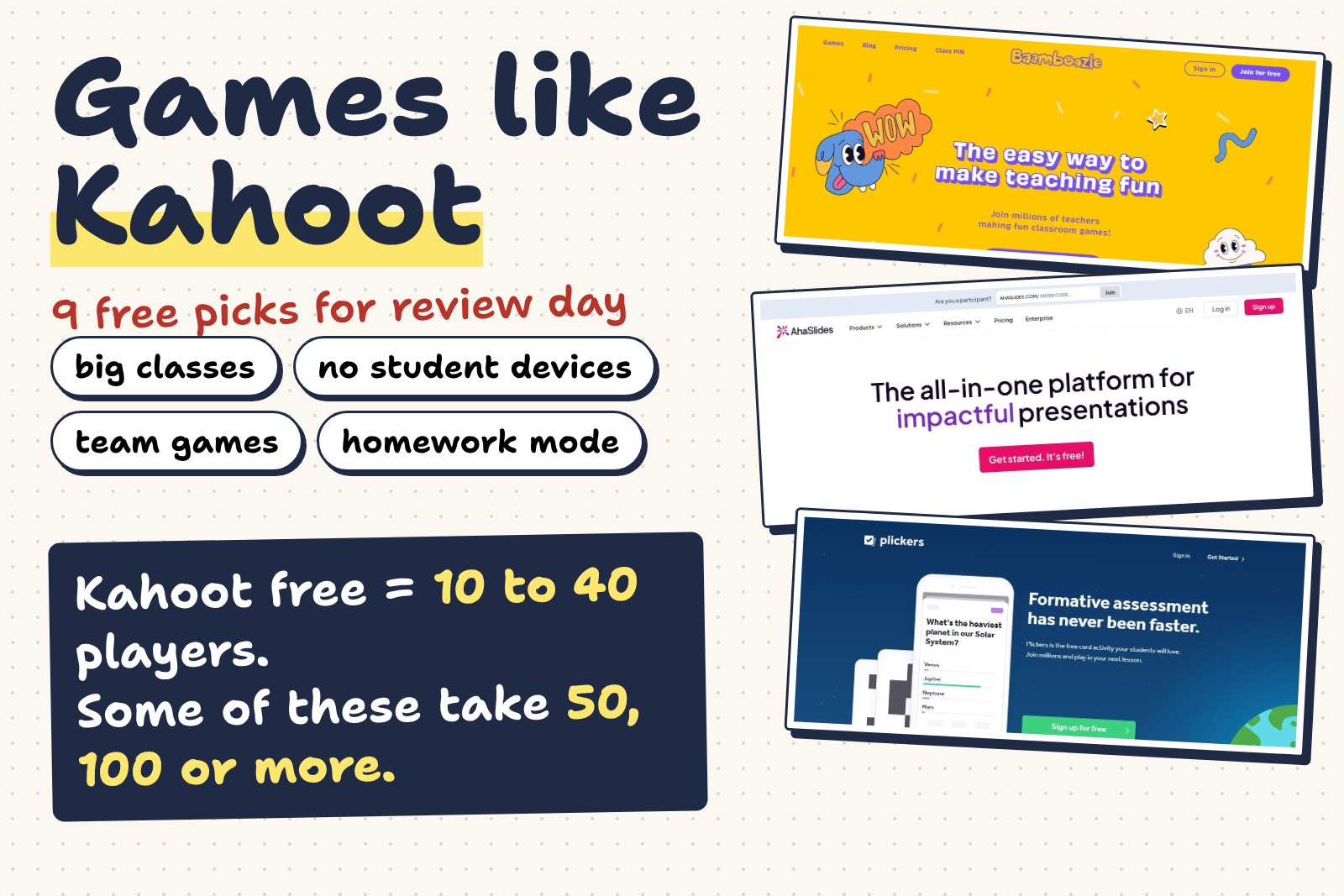
Kahoot is still the game most students know. The catch is the free plan: Kahoot’s own help center says free accounts are typically limited to between 10 and 40 players, depending on the account type, and several question types (polls, type-answer, word clouds) sit behind the paid plans.
So the right “Kahoot alternative” depends less on features and more on your room: how many students you have, whether every student has a device, and whether you want noise or quiet focus.
Game finder Free
Three taps. You’ll get the games from this list that fit your class on a free plan.
1. Devices in my room
2. Students playing at once
3. The mood I want
★ Our #1 pick for most classrooms
1. AhaSlides: the quiz game and the whole lesson in one deck
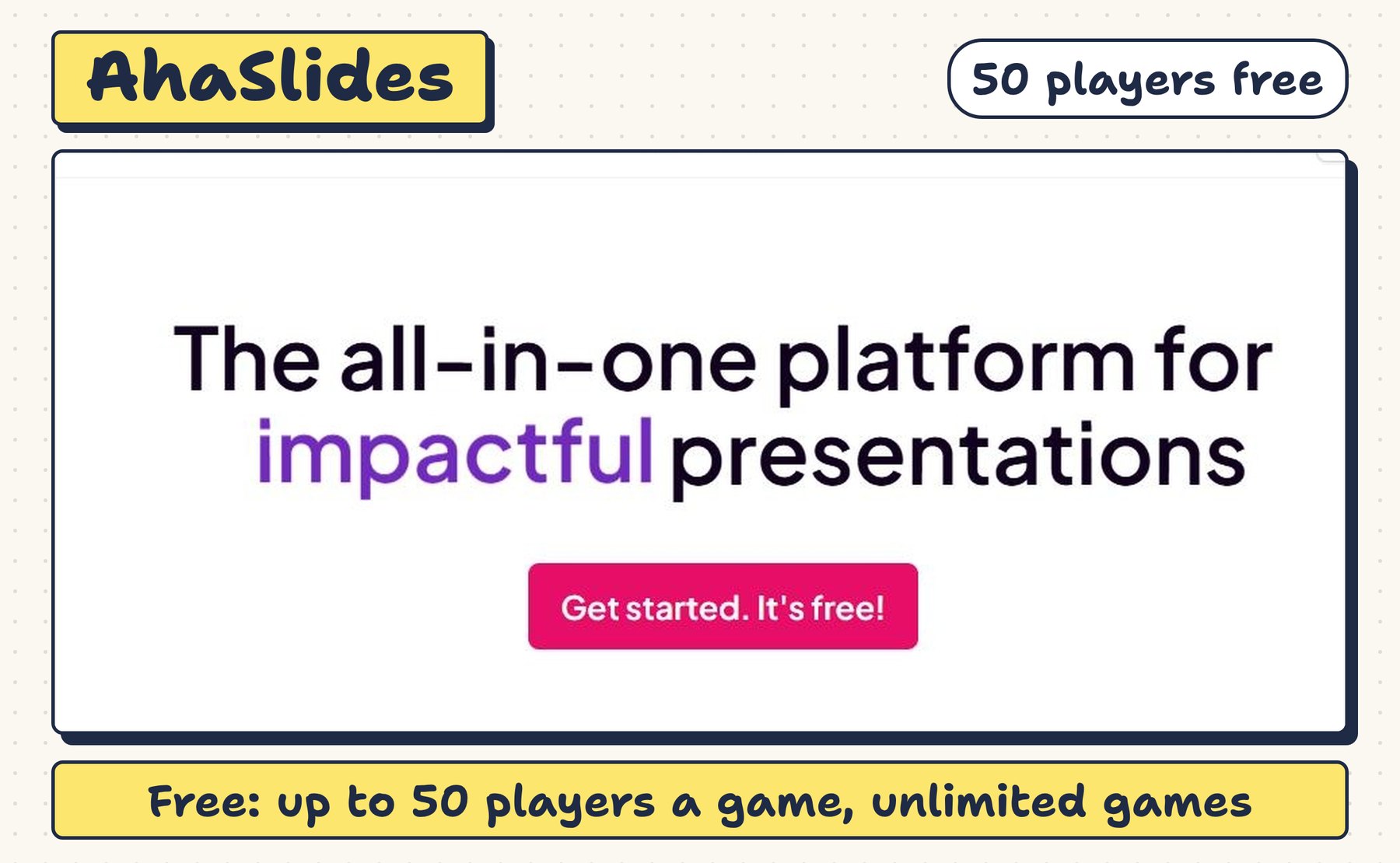
Kahoot does one thing: the quiz race. AhaSlides does the race and what a teacher needs around it: a poll to check confidence, a word cloud for vocab, a spinner wheel to pick who explains, all in the same deck you present from the board.
Start free with AhaSlides ↗No credit card. Free plan checked on AhaSlides’ pricing page, November 5, 2026.
Everything it can do for review day
Your first review game in 4 steps (real screens)
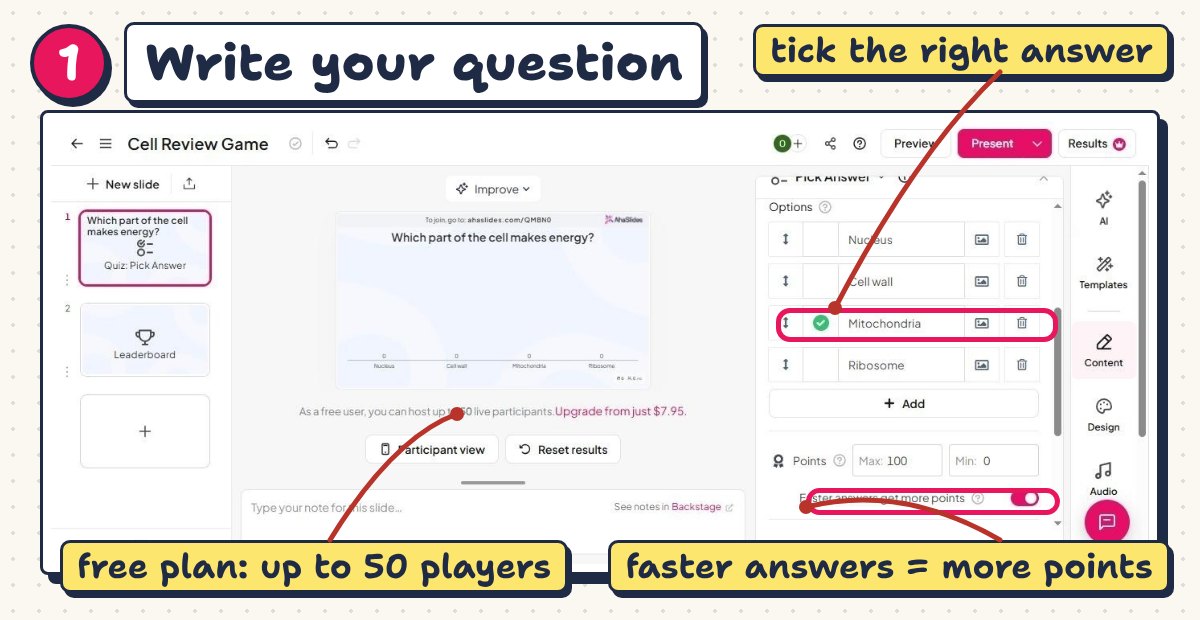
Create a free account, choose Quiz, type the question and the options, then tick the right answer. Keep “faster answers get more points” on for a race, or turn it off for a calmer round.
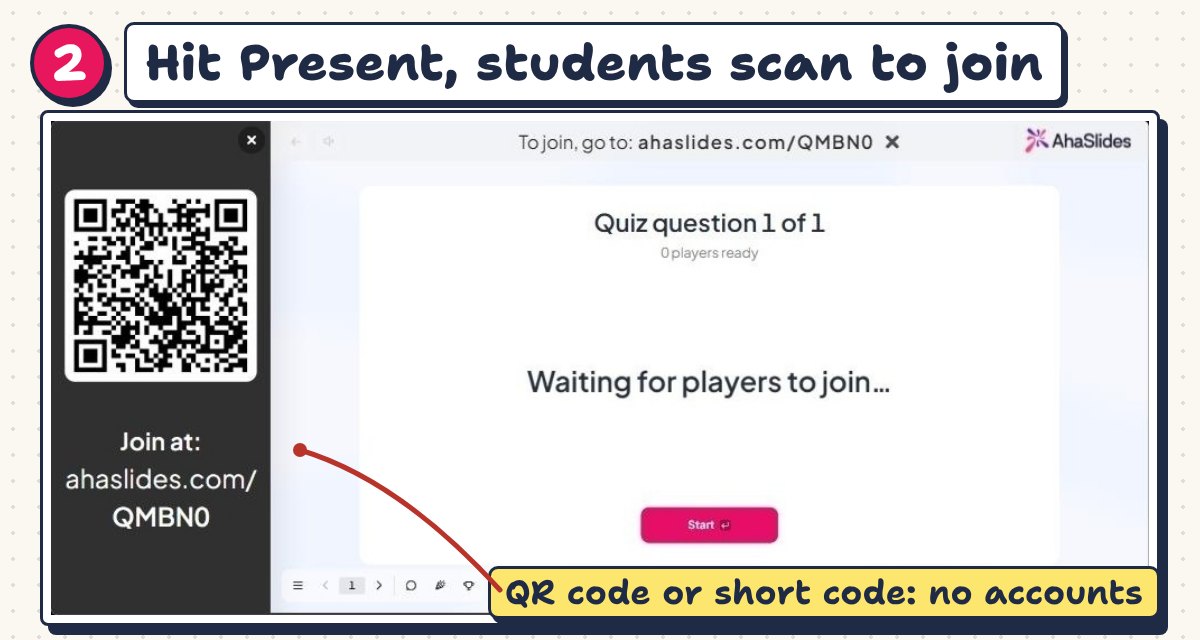
Your board shows a QR code and a short join code. Students scan it or type it at ahaslides.com. They don’t need an account or an app.
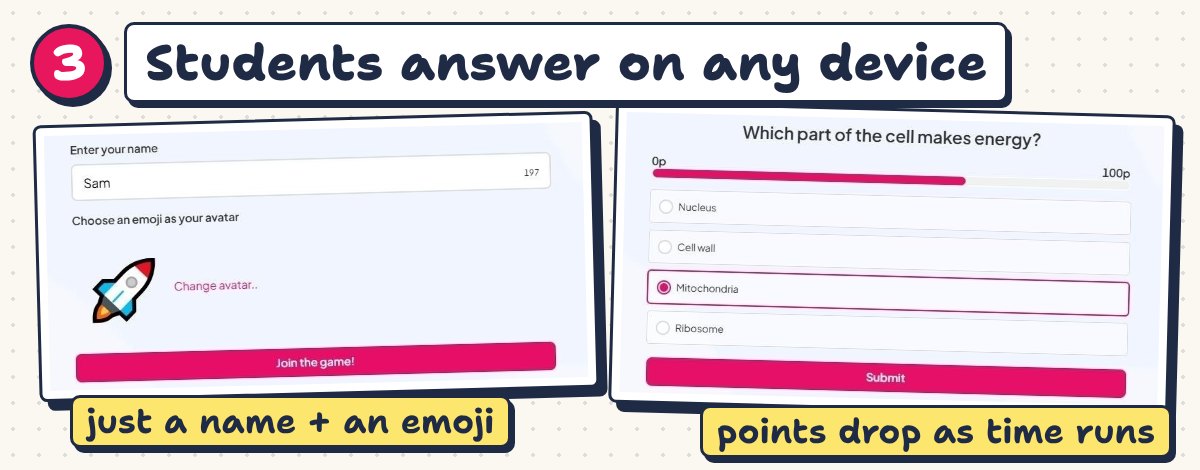
They type a name, pick an emoji and wait for your first question. The points bar drops as the clock runs, so quick right answers score more.
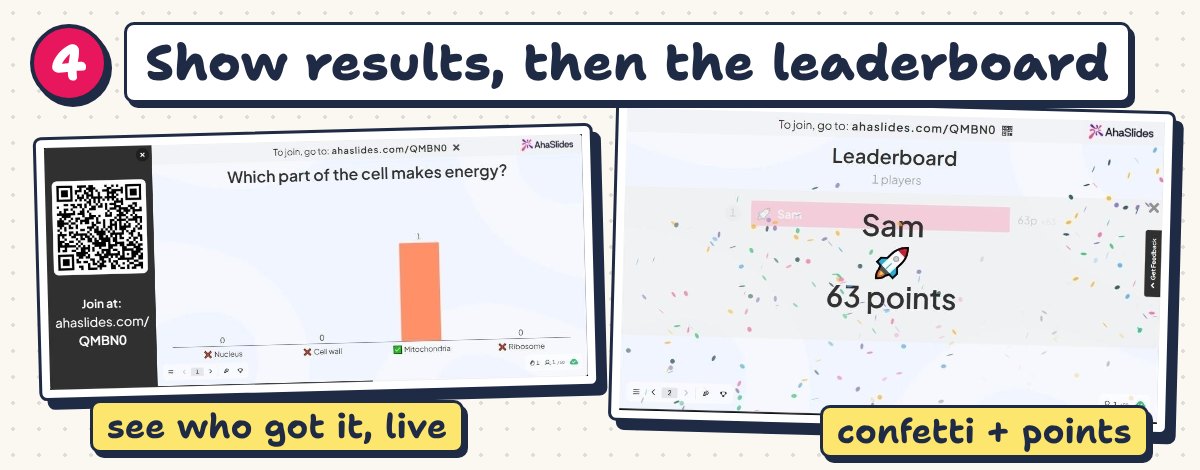
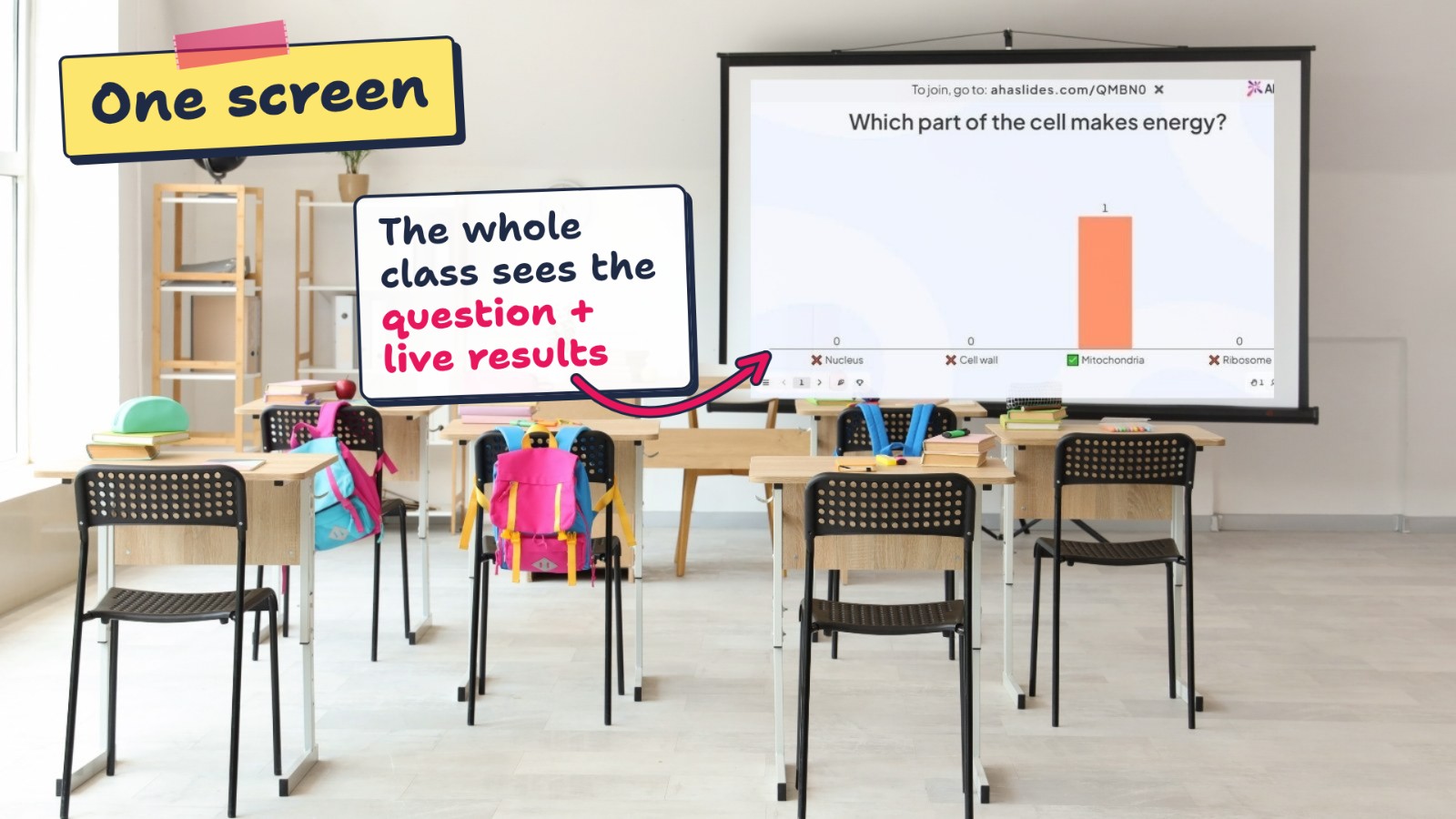
The chart shows how the class answered. Stop here and talk about the wrong options before you reveal the leaderboard.
Free or paid?
$0
- Up to 50 participants per presentation
- Unlimited presentations
- All the quiz, poll and word cloud slides above
- 5 AI quiz drafts a month
$7.95/month, billed yearly
- Up to 100 participants
- Unlimited interactive slides
- 20 AI quiz drafts a month
$11.15/month, billed yearly
- Up to 2,500 participants
- Team play and answer shuffling
- Reports and Excel export
AhaSlides also lists discounted education plans for teachers and students. Prices from AhaSlides’ pricing page, November 5, 2026.
Try it with tomorrow’s lesson. Turn 5 questions into a warm-up race: you’ll know in one class whether it fits.
Create my free account ↗More games for classes with 1:1 devices
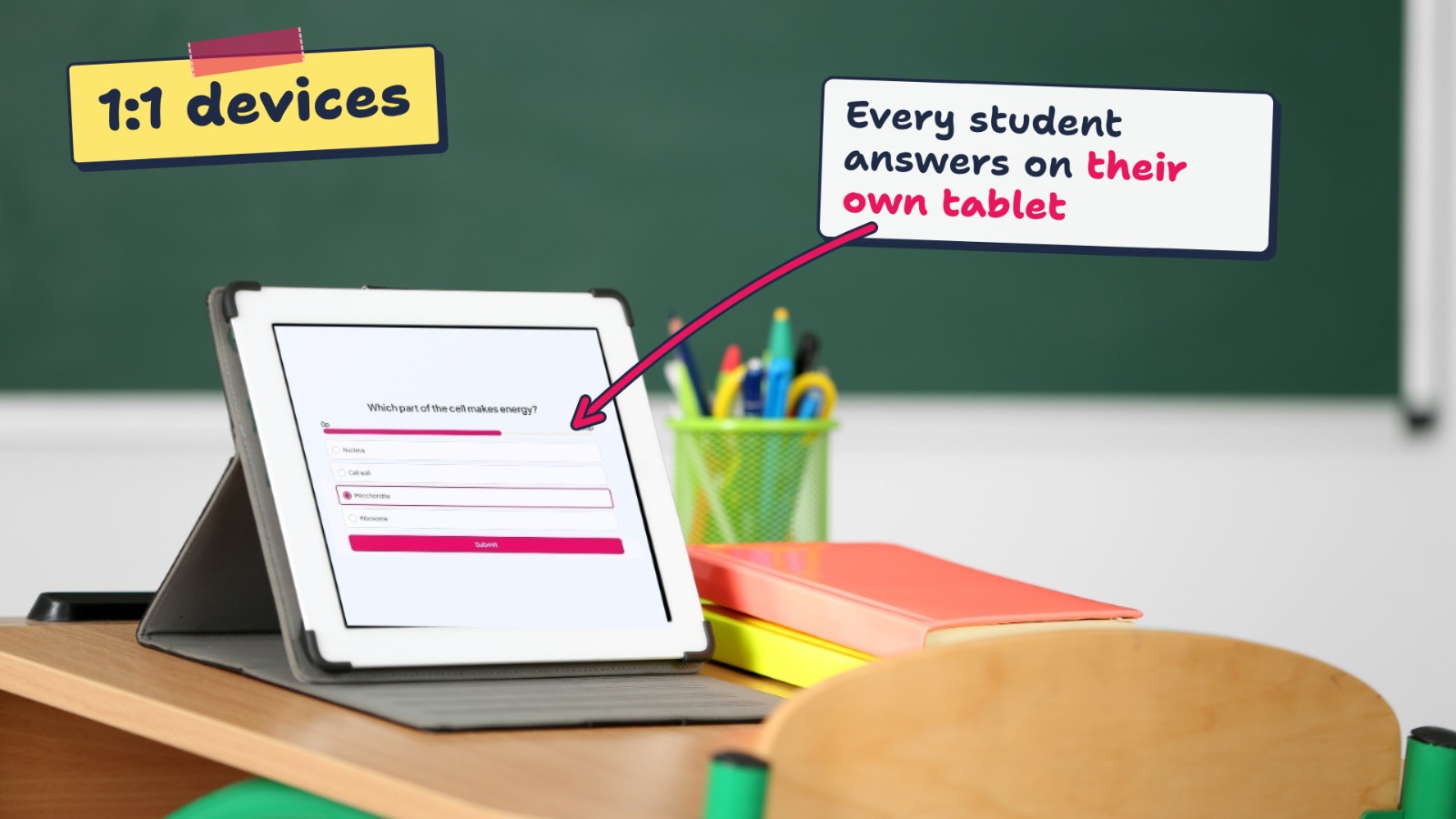
Students join on a Chromebook, tablet or phone with a code. These feel the most like Kahoot.
2Blooket
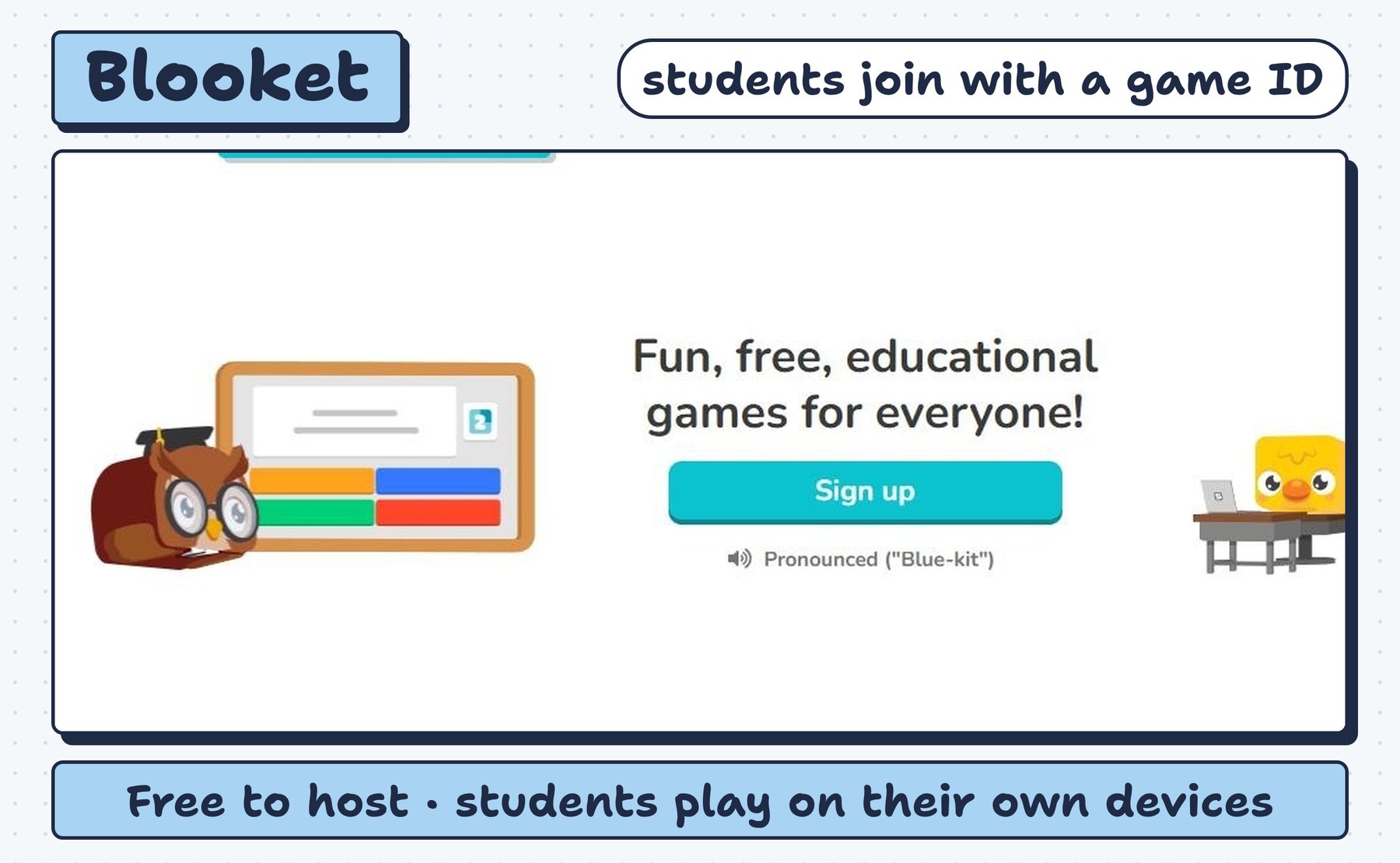
Pick a question set, then a game mode. Students play live in class or later as homework.
- Free
- Free to host live and homework games
- Paid
- Plus (see site)
- Students need
- One device per student (join with a game ID)
✓Classes that get bored of the same game format
!Some modes and reports need Plus
Try Blooketfree plan available↗
3Gimkit
Students earn in-game money for right answers and spend it on upgrades. Built by a student.
- Free
- Play with as many students as you want; a few modes rotate
- Paid
- Pro $14.99/mo or $59.88/yr
- Students need
- One device per student
✓Older students who like strategy
!Free modes change; most modes need Pro
Try Gimkitfree plan available↗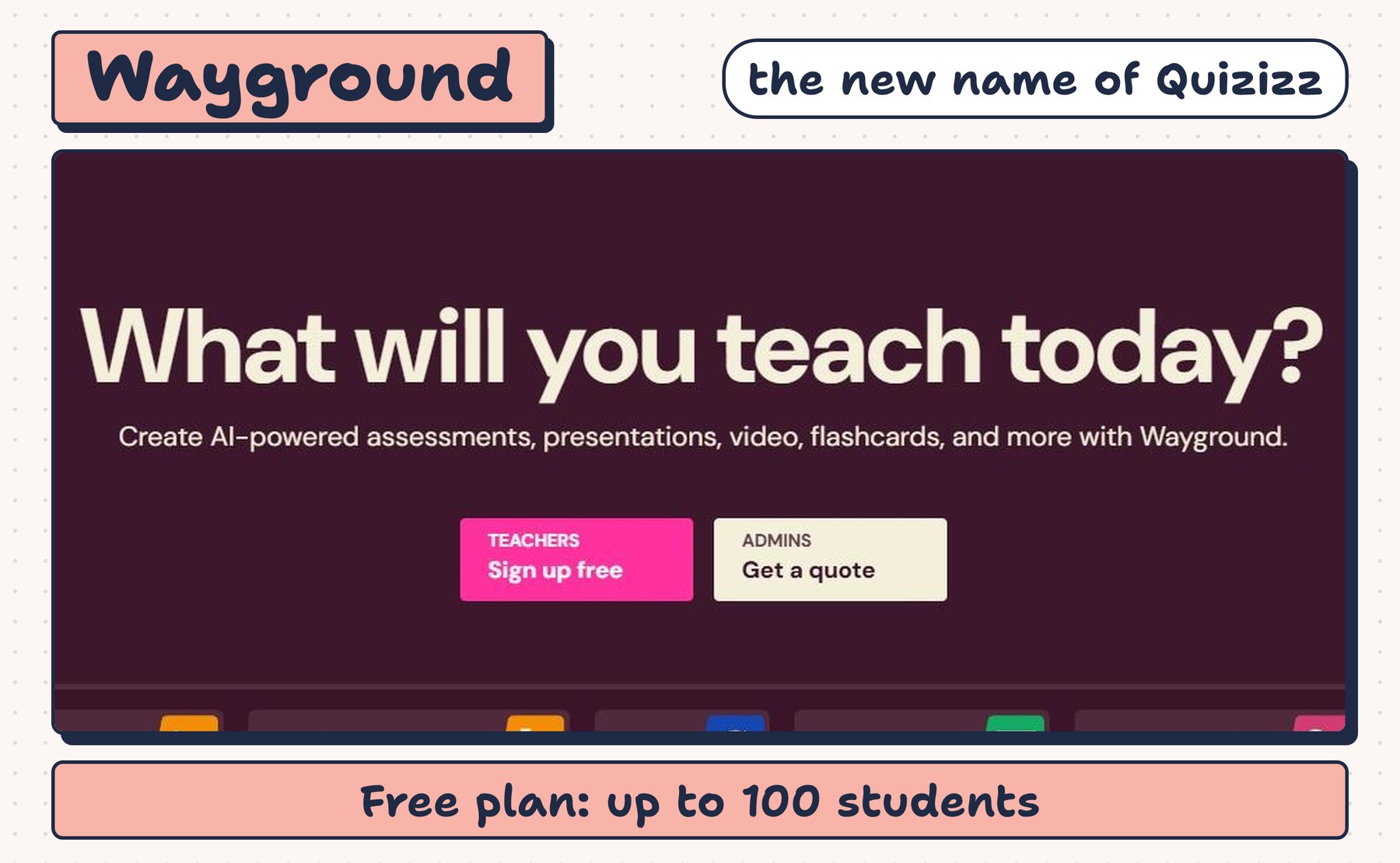
4Wayground (formerly Quizizz)
Quizizz changed its name to Wayground. Students answer at their own pace, with memes and power-ups.
- Free
- Basic plan free: up to 100 students, 20 saved resources
- Paid
- Paid plans (see site)
- Students need
- One device per student
✓Self-paced review and homework
!Free plan limits question types
Try Waygroundfree plan available↗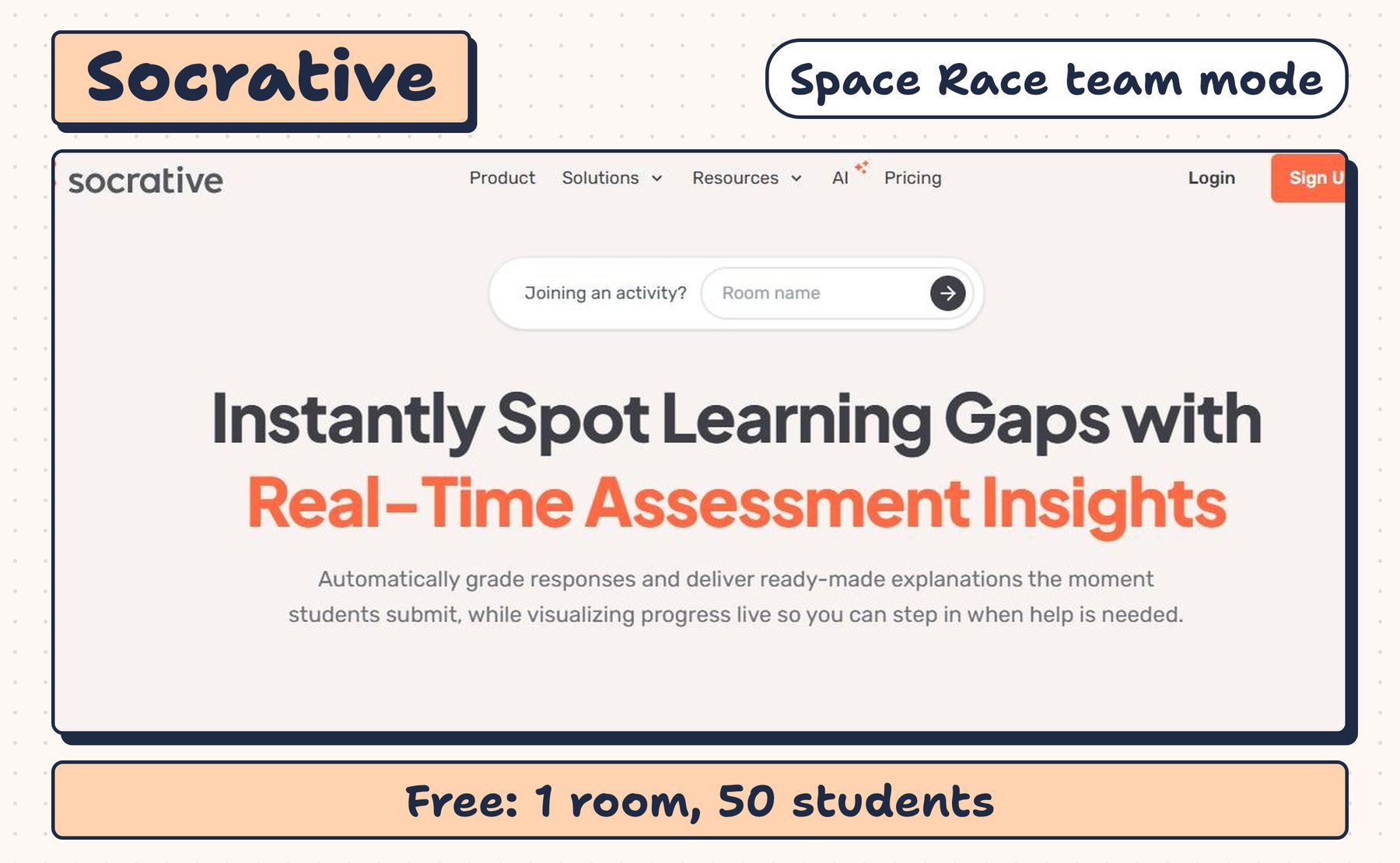
5Socrative
Quick checks and Space Race, a team race where each correct answer moves your team’s rocket.
- Free
- 1 room, 50 students, 5 saved quizzes
- Paid
- Essentials $10/mo per teacher or $120/yr
- Students need
- Own device, or one device per team
✓Fast exit tickets and team races
!Reports are kept 30 days on free
Try Socrativefree plan available↗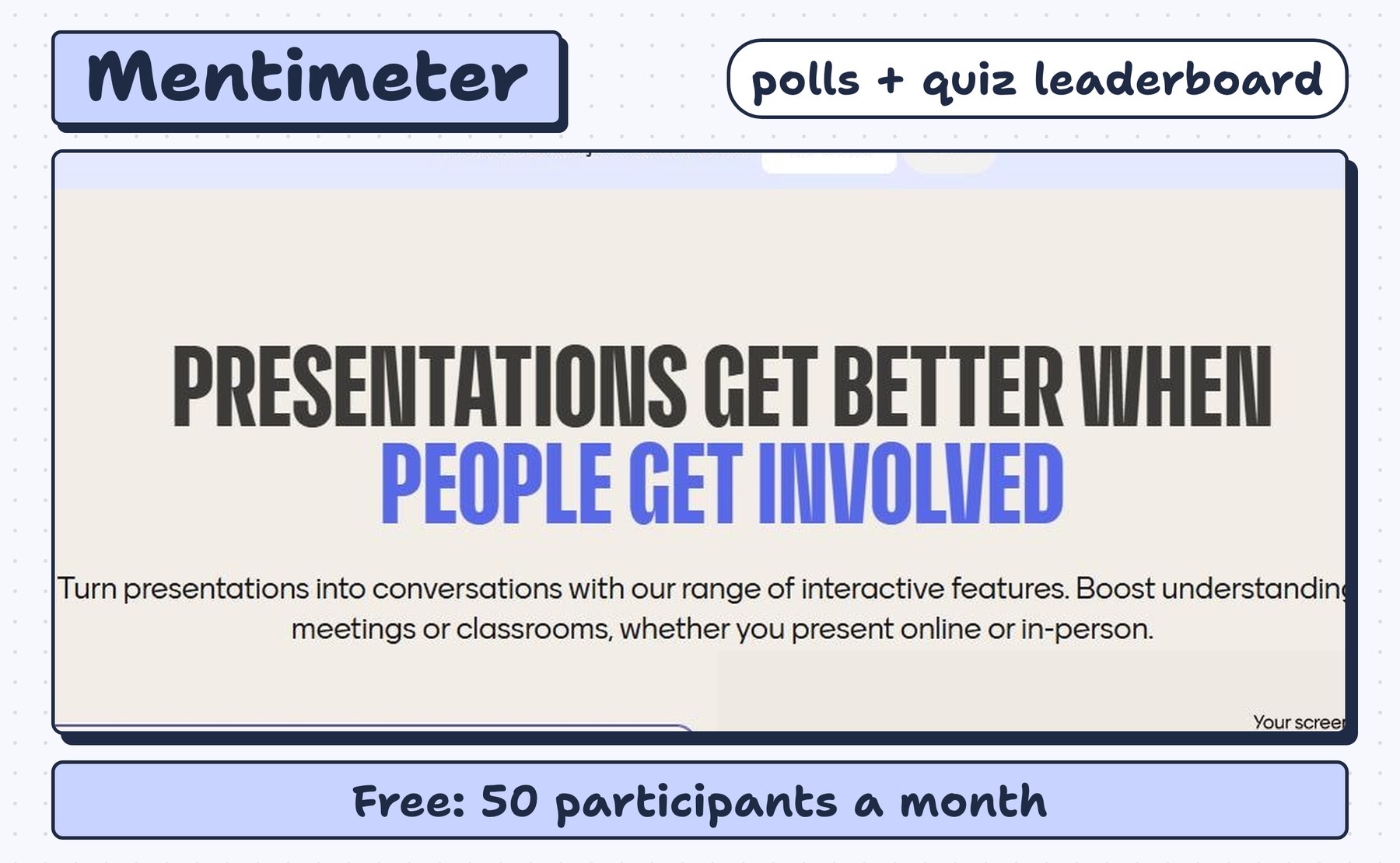
6Mentimeter
Live polls, word clouds and quiz questions with a leaderboard on your slides.
- Free
- 50 participants a month, plus one unlimited session a month
- Paid
- Education plans (see site)
- Students need
- One device per student (join with a code)
✓Warm-ups, opinion polls and quick checks
!The monthly cap runs out fast with several classes
Try Mentimeterfree plan available↗Need questions fast? Our free worksheet maker and flashcard maker turn a word list into review material you can paste into any of these games.
Games for one screen (no student devices)
No Chromebook cart this week? These run from your board or your phone, and students play as teams or with paper.
7Baamboozle
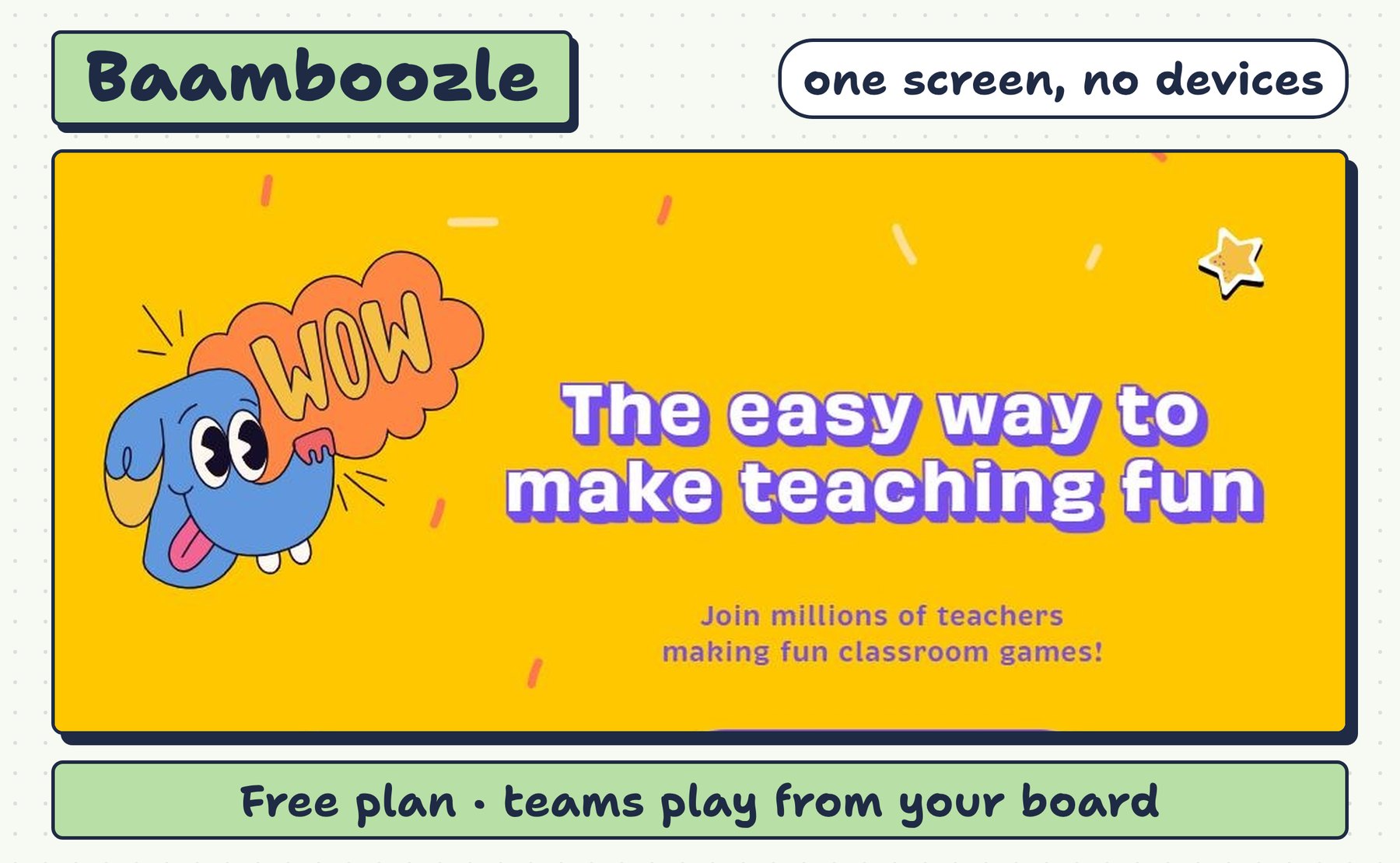
Teams take turns picking tiles on the board. Power-ups can steal or swap points at the last second.
- Free
- Free plan to make and play games
- Paid
- Baamboozle+ $7.99/mo or $4.99/mo billed yearly
- Students need
- None: play from one screen
✓Young students and language classes
!Only one team answers at a time
Try Baamboozlefree plan available↗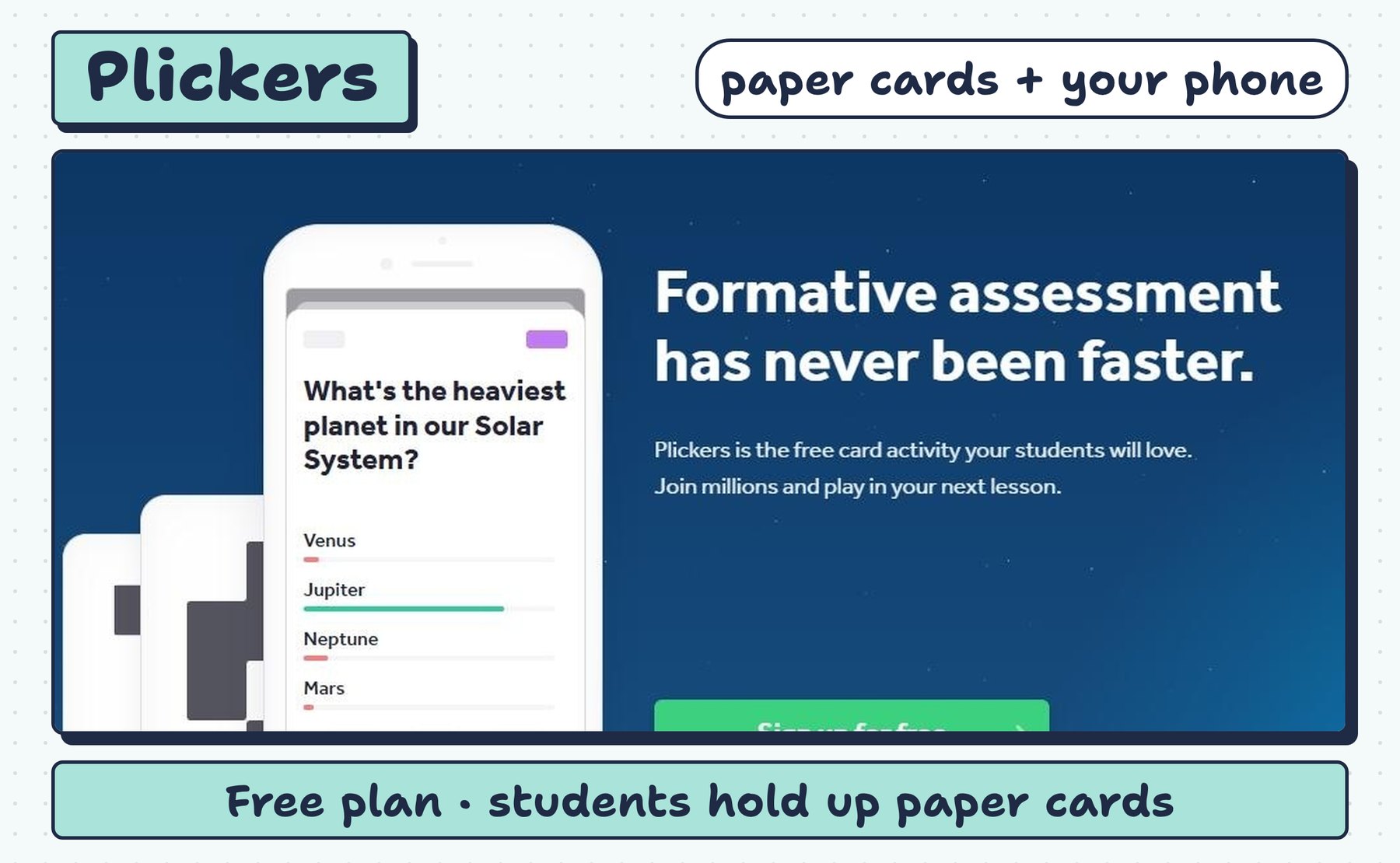
8Plickers
Each student holds up a printed card. You scan the room with your phone and see every answer.
- Free
- Free plan
- Paid
- Plickers Pro (see site)
- Students need
- None: printed cards + your phone
✓Checking every student’s answer with no screens
!Multiple choice only
Try Plickersfree plan available↗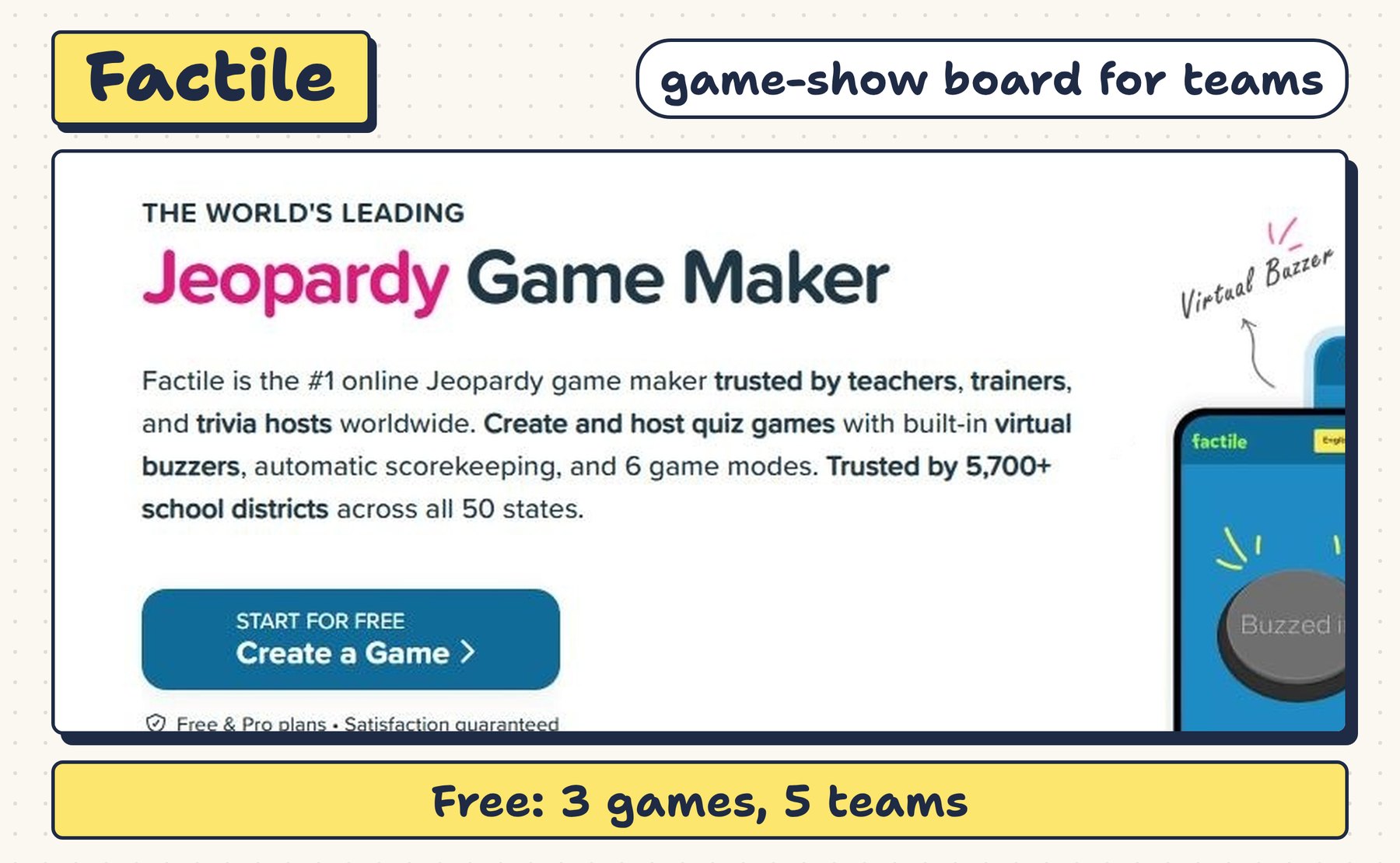
9Factile
A game-show board with categories and point values. Teams pick a square and answer.
- Free
- 3 games, 5 teams
- Paid
- Basic $4/mo or $48/yr (unlimited games, buzzer mode)
- Students need
- None needed: teams play from the board
✓Big end-of-unit review
!Phone buzzers are a paid feature
Try Factilefree plan available↗Games with no tech at all
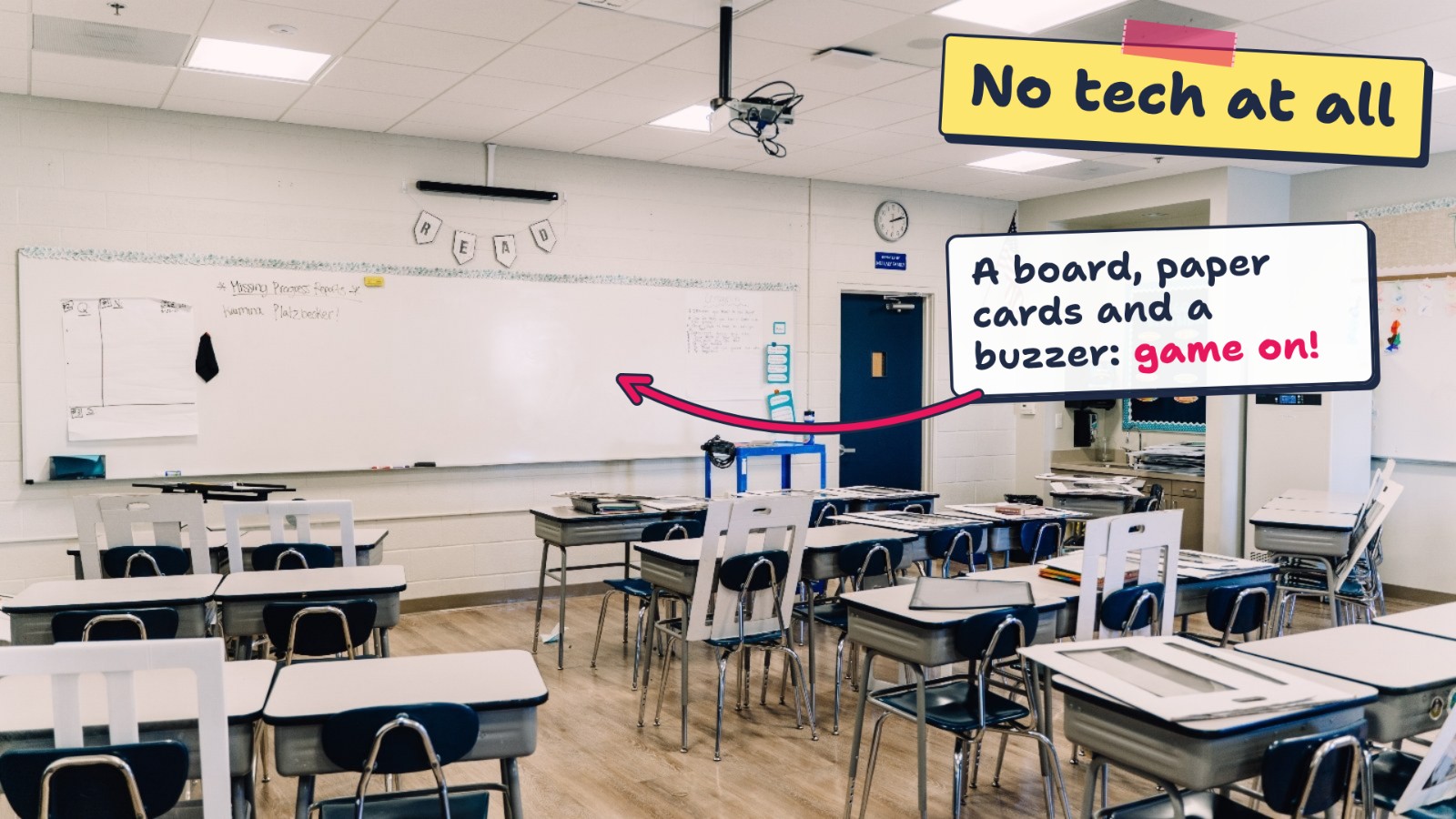
When the Wi-Fi is down or screens are off-limits, these three formats give the same “everyone answers” energy as an online quiz. Each one needs one set of supplies that lasts for years.
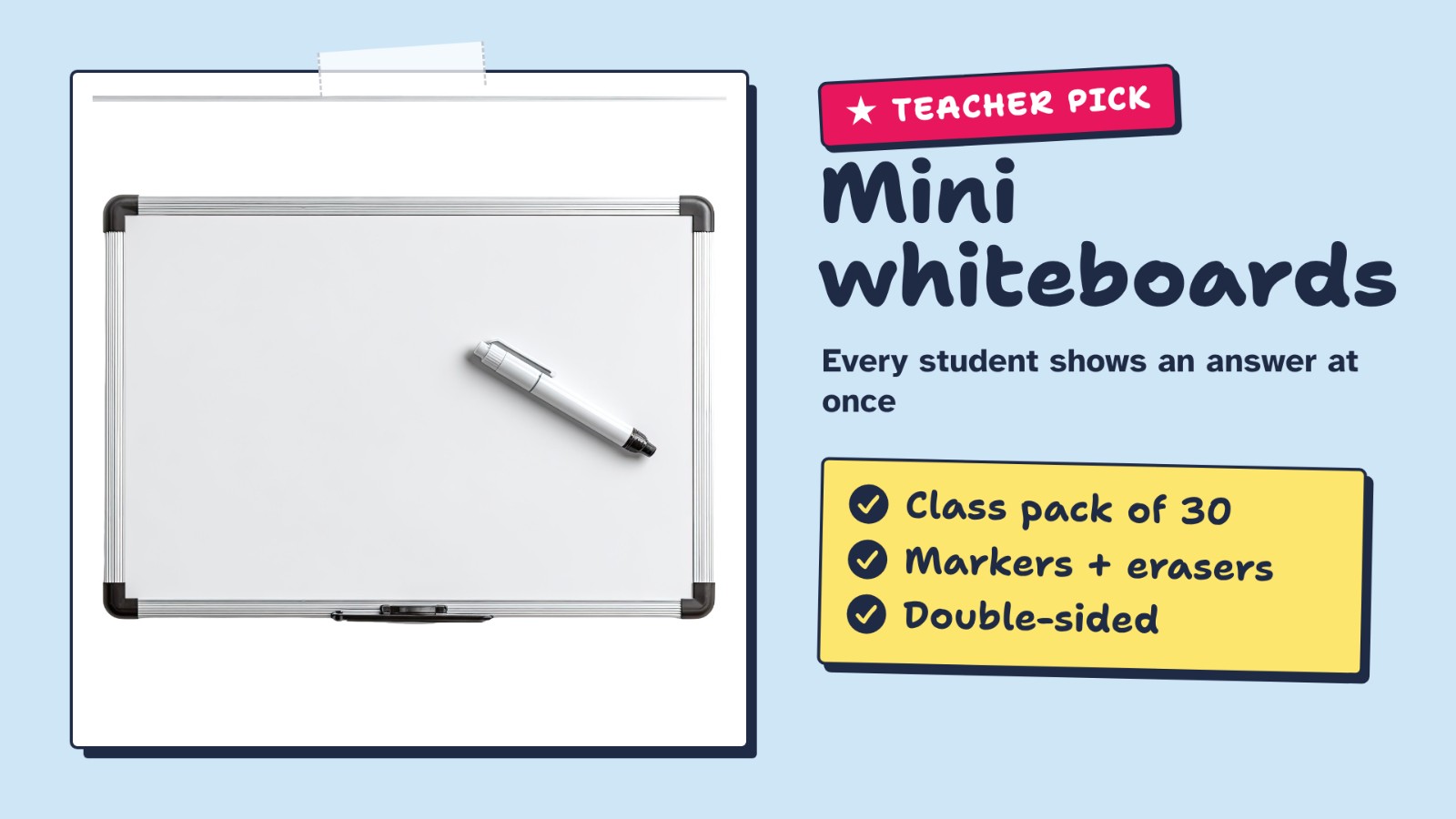
Read a question, count 3-2-1, and every student holds up an answer at the same time. You see the whole room in one look, nobody copies the fastest kid, and it works for math, spelling, vocab and science.
What to look for
- 30 boards, 30 markers and 30 erasers in one box
- Double-sided: plain on one side, lined on the other
- Store markers tip-down so they last longer
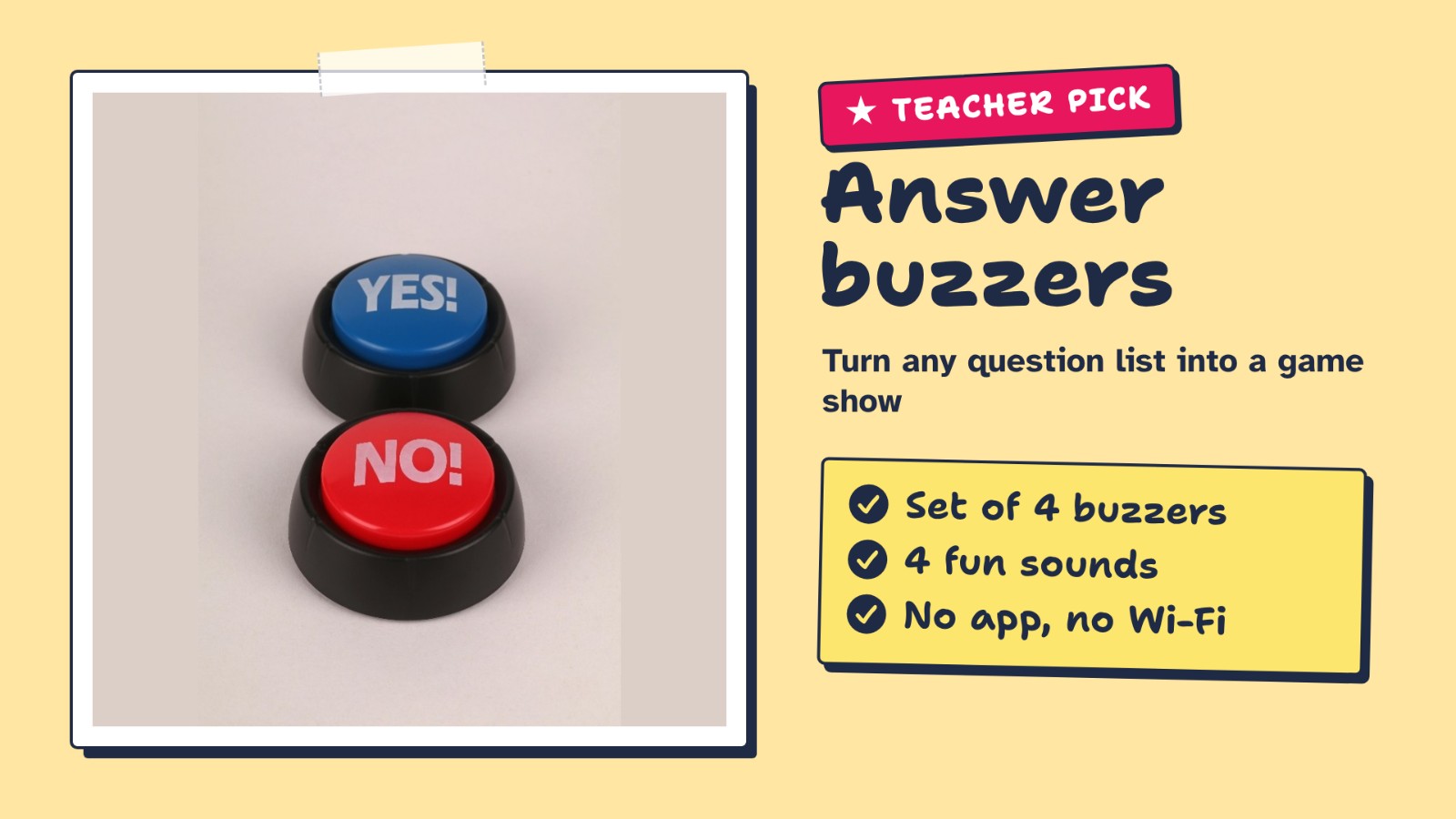
Split the class into two or four teams, one buzzer per team. First team to buzz answers; a wrong answer passes the question to the other team. It turns any question list into a game show in two minutes.
What to look for
- 4 colors and 4 different sounds, one per team
- The classic set teachers have used for years
- Runs on AAA batteries (check if they are included)
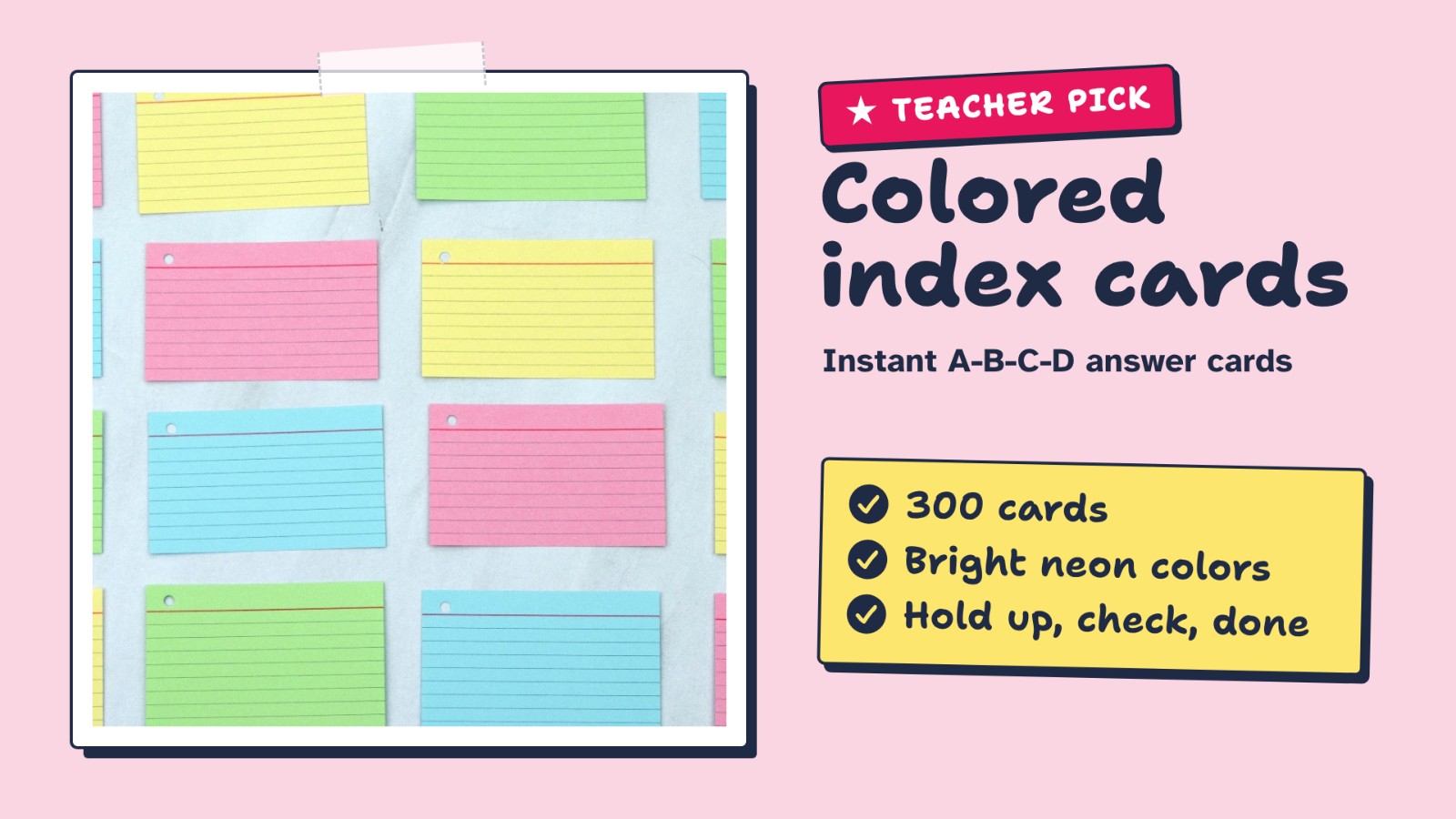
Give each student four colors (A, B, C, D). Show a multiple-choice question and everyone raises a color. It’s the idea behind Plickers, with no app, no phone and no Wi-Fi.
What to look for
- 300 ruled 3×5 cards in bright neon colors
- Write A, B, C, D in big marker, one color per letter
- Enough for a full class set, plus flashcards
Photos show the type of product, not a specific listing. Amazon links open a search so you can compare sizes, pack counts and current prices. As an Amazon Associate, Worksheet365 earns from qualifying purchases.
All 9 at a glance
Tap a row to jump to the game.
“See site” means the price wasn’t shown on the tool’s public page when we checked. Most of these services set a minimum age or need a teacher account for younger students: check each tool’s terms and your school’s rules.
Make review day work (any game)
- Write 10 good questions, not 30. A short game played twice beats a long one played once. The second round is where students fix mistakes.
- Pause after the hardest question. Ask a student who got it right to explain how. That minute does more than the points.
- Mix speed and accuracy. Fast modes reward quick students. Alternate with a mode where time doesn’t count so slower thinkers stay in.
- Use teams for shy classes. Team modes (Socrative Space Race, Baamboozle, Factile) let students talk before answering.
- Keep the results. The questions most students missed are your plan for tomorrow’s warm-up.
Printable lessons with games and answer keys, ready for review day, from our store on Teachers Pay Teachers.
Browse Worksheet365 on TPT ↗Grading after the game? The free rubric maker builds a printable rubric in a minute, and our guide to Turnitin alternatives for teachers covers checking written work.
Questions
Is there a free version of Kahoot?
Yes, but free accounts have low player caps. Kahoot’s help center says free accounts are typically limited to between 10 and 40 players, depending on the account type. Paid Kahoot!+ plans raise the cap.
What is the best free game like Kahoot for a big class?
When we checked, Wayground’s free Basic plan allowed up to 100 students, Gimkit’s free plan let you play with as many students as you want (with a few rotating game modes), and AhaSlides’ free plan allowed up to 50 players per game.
Which review games work without student devices?
Baamboozle runs from one screen, Plickers uses printed cards that you scan with your phone, and Factile is a game-show board that teams play from the front of the room. Mini whiteboards and buzzers work with no tech at all.
Is Quizizz still free?
Quizizz is now called Wayground. Its Basic plan is free for teachers, with up to 100 students and a limit of 20 saved resources. Wayground’s Free-For-Schools program moved to the Starter (Basic) plan on September 1, 2026.
Can students play these games as homework?
Yes. Blooket lets you run live or homework-style games, and Wayground is built for self-paced practice. AhaSlides also has a self-paced mode.
The bottom line
If your students have devices and you teach classes of up to 50, start with AhaSlides: it’s the closest to Kahoot with a roomier free plan, and it covers polls, word clouds and Q&A in the same deck. Want game variety, pick Blooket; a bigger free class, Wayground or Gimkit. No devices at all? Baamboozle, Plickers or a set of mini whiteboards will get every student answering.
Ready for review day? Build your first AhaSlides quiz free in about 10 minutes.
Start free with AhaSlides ↗Sources
Every price and free-plan limit in this guide comes from the tools’ own pages, checked on November 5, 2026.
- Kahoot Help Center · How many participants can play a kahoot? (free accounts: typically 10–40 players)
- Kahoot · Plans for schools
- AhaSlides · Pricing (Free, Essential, Pro)
- AhaSlides · Online quiz creator (quiz formats, AI quiz, team play on Pro)
- AhaSlides · Features (polls, word cloud, Q&A, self-paced, templates)
- Gimkit · Gimkit Pro FAQ
- Wayground · Plans
- Wayground · Starter (Basic) plan
- Socrative · Plans
- Socrative · Space Race help
- Mentimeter · Education plans
- Baamboozle · Pricing
- Factile · Plans
- Plickers · App Store listing (no student devices)
- Blooket · Homepage (live and homework games)
Screenshots show each tool’s public homepage or a free AhaSlides account, taken November 5, 2026. Classroom and product photos: Canva Pro stock library, used under the Canva Content License. All product names are trademarks of their owners; Worksheet365 is not affiliated with Kahoot or the other companies named here, except through the affiliate links marked above. Our editorial approach · Affiliate disclosure